

Secure access is decided long before the sign-in method.
A modern strategy decides who gets in, from which device, to which application and under what risk, and only then with which credential. Our experts take you from minimum compliance to adaptive, passwordless access.
Change only the top layer and the five below it keep deciding the outcome.
SMS and voice MFA retire on February 1, 2027.
Users whose only method is a phone will not be able to sign in, with no fallback. It is the urgent first step of a secure access strategy, and the best moment to start one.
SMS and voice are no longer accepted as MFA.
Two dates, one deadline
Knowing the dates is easy. Knowing who is affected in your own tenant is not.
Passkey by default
Users enabled for SMS or voice are enabled for passkeys as the rollout reaches the tenant, and are prompted to register one at their next MFA. Sign-in is not blocked.
Enforcement
SMS and voice are retired. Registration becomes mandatory for every user in scope, and users without a compliant method cannot sign in.
The new default
New users register a phishing-resistant method at onboarding, with no fallback to SMS or call-back at any point.
The passkey prompt is a registration campaign: your tenant can enable, scope or disable it at any time before enforcement, starting with a pilot group.
What is accepted, what is at risk
Change management, user enrollment and configuration are the work between today and the new default.
Every method still works
- Phishing-resistant: passkeys, FIDO2, Windows Hello, Authenticator
- Phishable: SMS, voice call, email one-time code, password only
SMS and voice call
- Business impact: users whose only method is a phone are locked out
- No fallback: no help desk workaround once enforcement starts
What remains
- Phishing-resistant: passkeys, FIDO2 keys, Windows Hello for Business
- Authenticator: push with number matching and passwordless sign-in
Not every MFA resists phishing
The weakest method sets the real security level of the account, and attackers always pick it. Temporary Access Pass is a bootstrap method for onboarding and recovery.
One governed access model
Authentication methods are the tip of the iceberg. Under the waterline, these six domains decide every access request.
Identity Protection
User and administrator identity protection, privileged access, identity governance and risk-based protection.
Authentication Modernization
MFA, phishing-resistant methods, FIDO2, passkeys and governance of authentication methods.
Conditional Access
Policy enforcement, user and device context, risk signals and session controls.
Applications & Workload Access
Enterprise and SaaS applications, application identities, service principals and workload protection.
Device Trust
Managed and compliant devices, BYOD controls and endpoint health signals.
Modern Operations & Agentic Security
Agentic operations, automated remediation, agentic change management and user assistance agents.
Passwordless is roughly 10–15% of the landscape. It is a capability inside the architecture, not the architecture itself.
Crawl, walk, run, fly
Each step builds on the licensing you may already own. We start where you are and sequence the rest.
Crawl
Resolve the immediate urgency and reach a minimum compliant state
- Remove legacy authentication methods
- Retire SMS and voice call
- Register at least one strong method
- Bring every user to minimum compliance
Walk
Move from authentication to a real access strategy
- User, group and application-based policy enforcement
- Authentication strength requirements (MFA and passkeys)
- Device trust validation and Continuous Access Evaluation
- Session controls and application access restrictions
- Modern apps with MSAL integration for internal apps
Run
Extend access policy beyond Microsoft 365
- Adaptive policies based on user and device risk
- Authentication strength enforcement
- Conditional Access App Control for cloud applications
- Endpoint risk integration with Defender for Endpoint
- Identity Governance for access lifecycle and entitlements
Fly
A cross-cutting secure access architecture
- Private and legacy apps through Entra Private Access
- Policy-based internet access through Entra Internet Access
- Automated identity lifecycle governance with approvals
- Governance and access control for AI agents and workload identities
- Centralized agent identity management with Entra Agent ID
Find your maturity level
The question is not whether you already use Authenticator or passkeys. It is how prepared you are to guarantee continuity, resilience and long-term identity control.
Not sure where you are? Our experts can tell you with evidence from your tenant.
Get my maturity level →Four packages, one clear path
Start with a free review of your tenant and scale to a full rollout. Every package runs in your production tenant and maps to our E-xperiences journey.
Readiness Free
Establish the baseline at no cost
- Microsoft Entra configuration discovery and review
- Authentication methods best practices
- Passwordless Readiness Report
- Findings and recommendations session (up to 2 hours)
Readiness Essentials
Remediate the critical gaps and start enrollment
- Configuration review and knowledge transfer for IT teams
- Secure Access Admin Agent deployment
- Phishing-resistant registration for SMS and voice users
- Cleanup of weak methods, Conditional Access and Identity Protection policies
Readiness Standard
Scale passwordless across the organization
- Everything in Essentials
- Onboarding waves, troubleshooting, recovery and reporting
- Re-registration for incomplete profiles
- Micro-Visor Passwordless for end-user adoption
Readiness Advanced
Complete the rollout with knowledge transfer
- Everything in Standard
- Secure Access User Agent and campaigns for every employee
- Windows Hello, passkeys, Temporary Access Pass and FIDO2 keys
- 6–8 hours of knowledge transfer, end-user and admin guides
Faster enrollment, fewer tickets
Our own E-Suite technology does the heavy lifting, so the change reaches every user at a lower cost.
Readiness Report
A read-only view of your current state: users at risk, real SMS and voice usage and Conditional Access gaps, in HTML and PDF.
Score and roadmap
One readiness score and a sequenced roadmap of waves, with a business case that quantifies help desk and licensing savings.
Secure Access Admin and User Agents
The Admin Agent tells IT who is at risk and where to start. The User Agent guides every employee to passwordless sign-in.
Micro-Visor Passwordless
In-Teams guidance and self-service management of authentication methods, with targeted campaigns for the users who still need to act.
Configured does not mean adopted. Adoption is a user behavior, and only reporting proves it.
Consulting, technology and operation
One strategy, delivered through our experts, our own E-Suite solutions and our managed services.
Consulting E-xperiences
Passwordless Readiness packages, from a free read-only review of your tenant to a full rollout with knowledge transfer, delivered by our identity experts.
E-Suite technology
Secure Access E-ntelligence to measure where you stand, Micro-Visor Passwordless to drive adoption in Microsoft Teams, and the Secure Access Admin Agent and User Agent to guide administrators and every employee.
Managed Services
Policies, methods and risk kept under continuous operation, with reporting that proves adoption over time.
One strategy, connected solutions
E-ntelligence measures where you stand. Micro-Visor Passwordless acts on it, user by user. Our Secure Access agents guide administrators and every employee along the way.
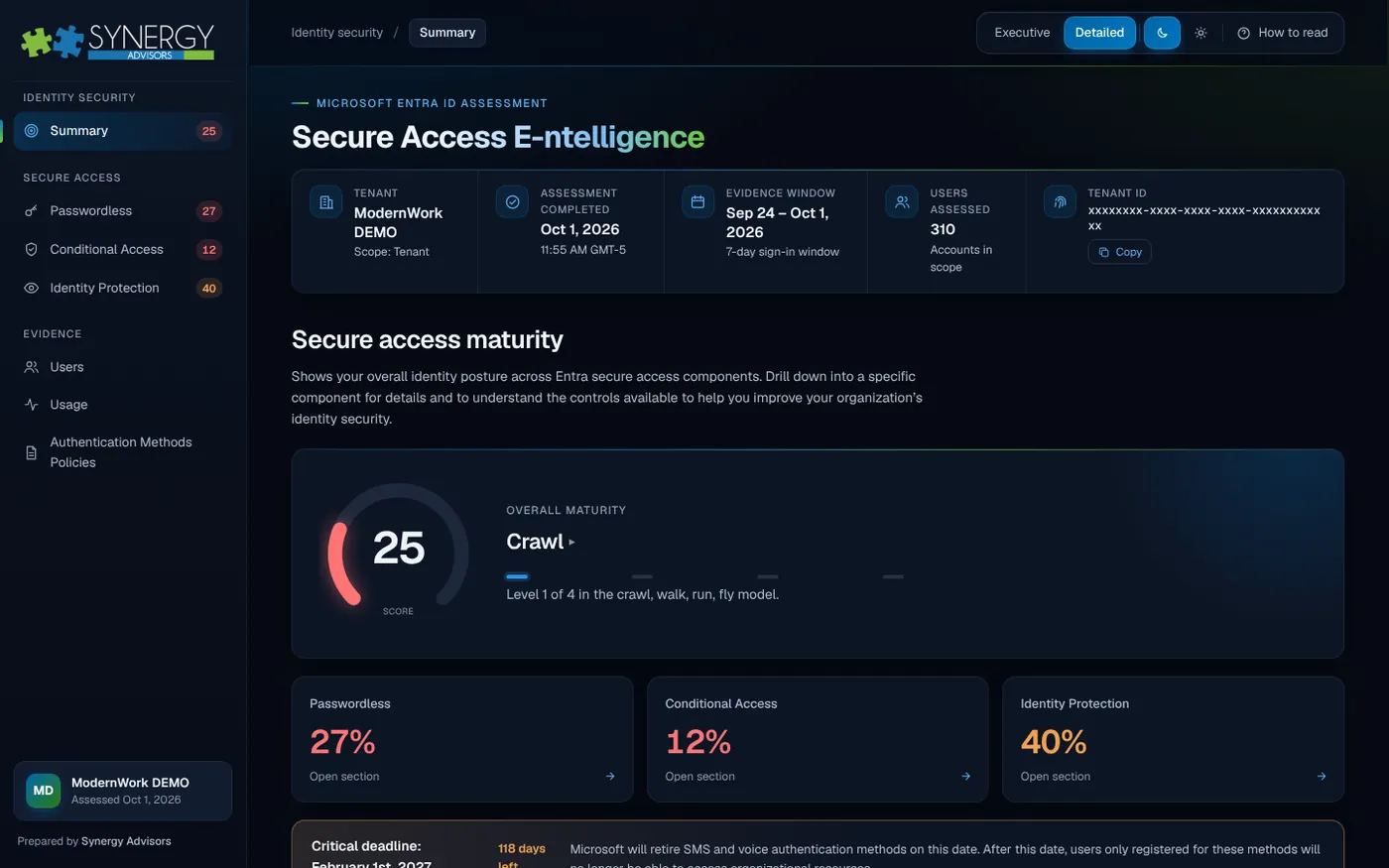
Assessment report
Secure Access E-ntelligence
Measures your Entra ID secure access maturity and ranks what to fix first.
Explore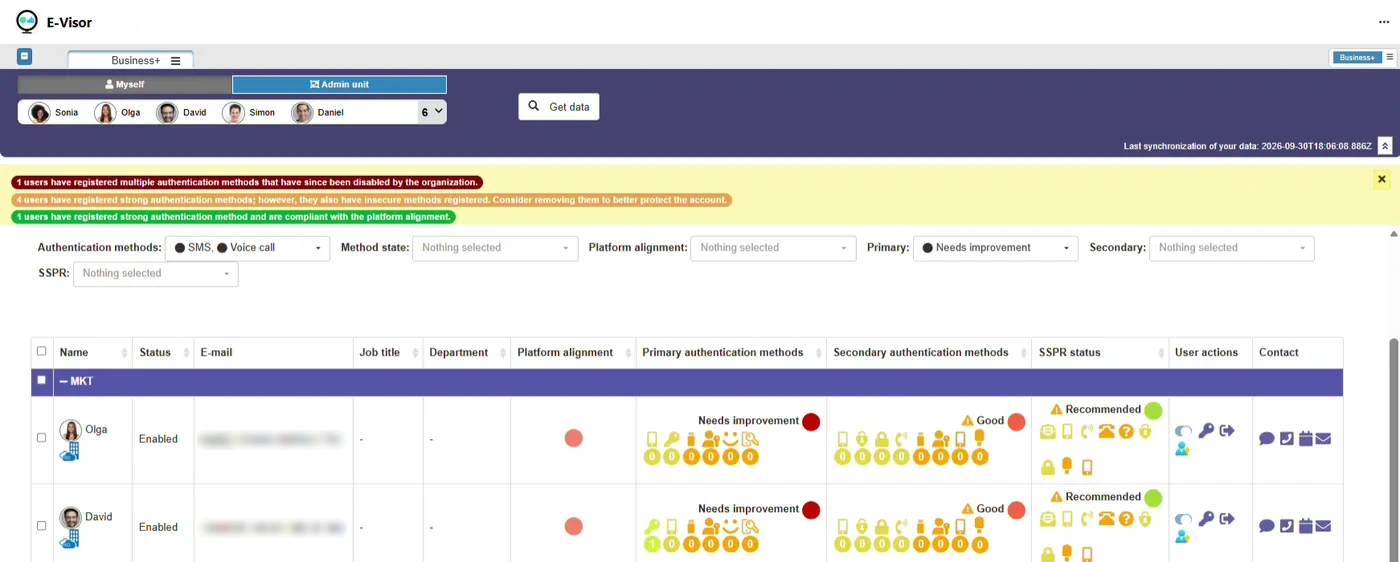
Adoption in Microsoft Teams
Micro-Visor Passwordless
Finds users still on SMS and voice and moves them to passwordless.
Explore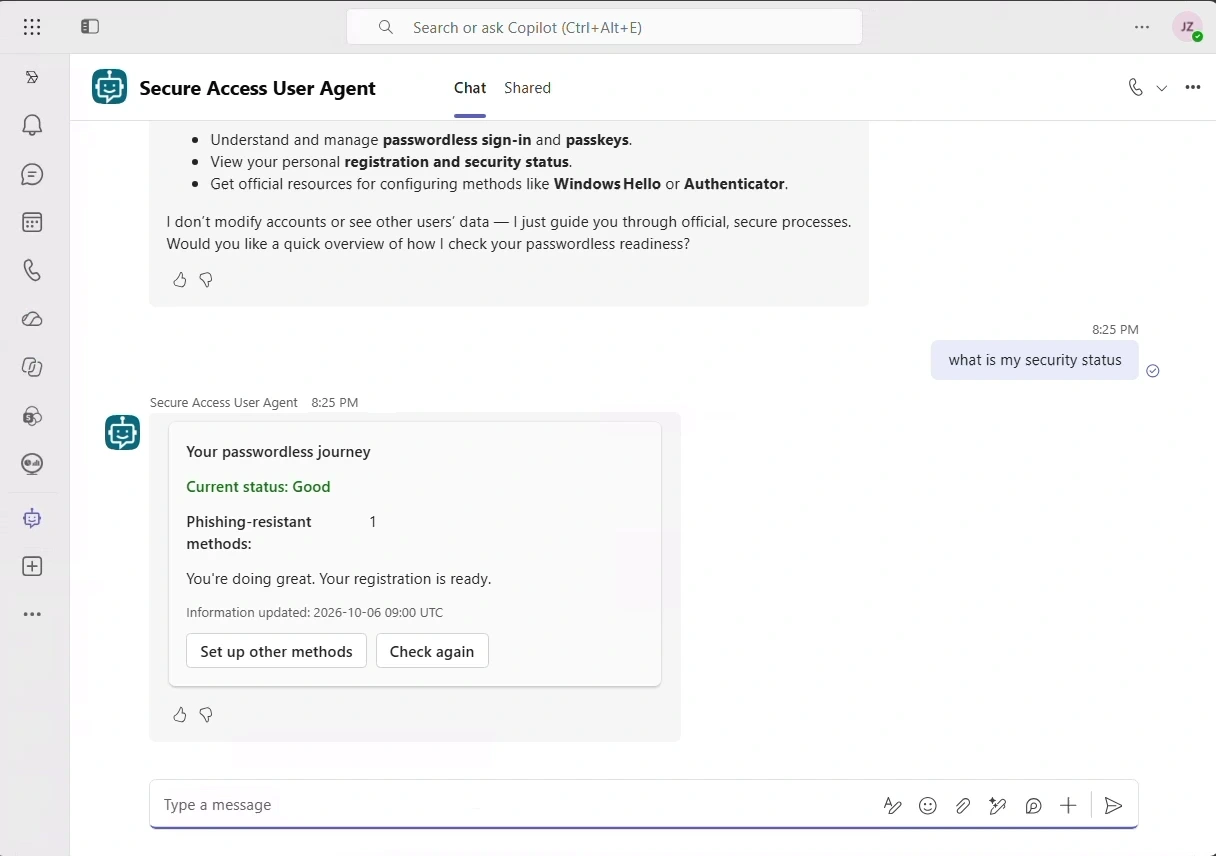
End-user agent
Secure Access User Agent
Guides each employee to passwordless sign-in, inside Microsoft Teams.
Explore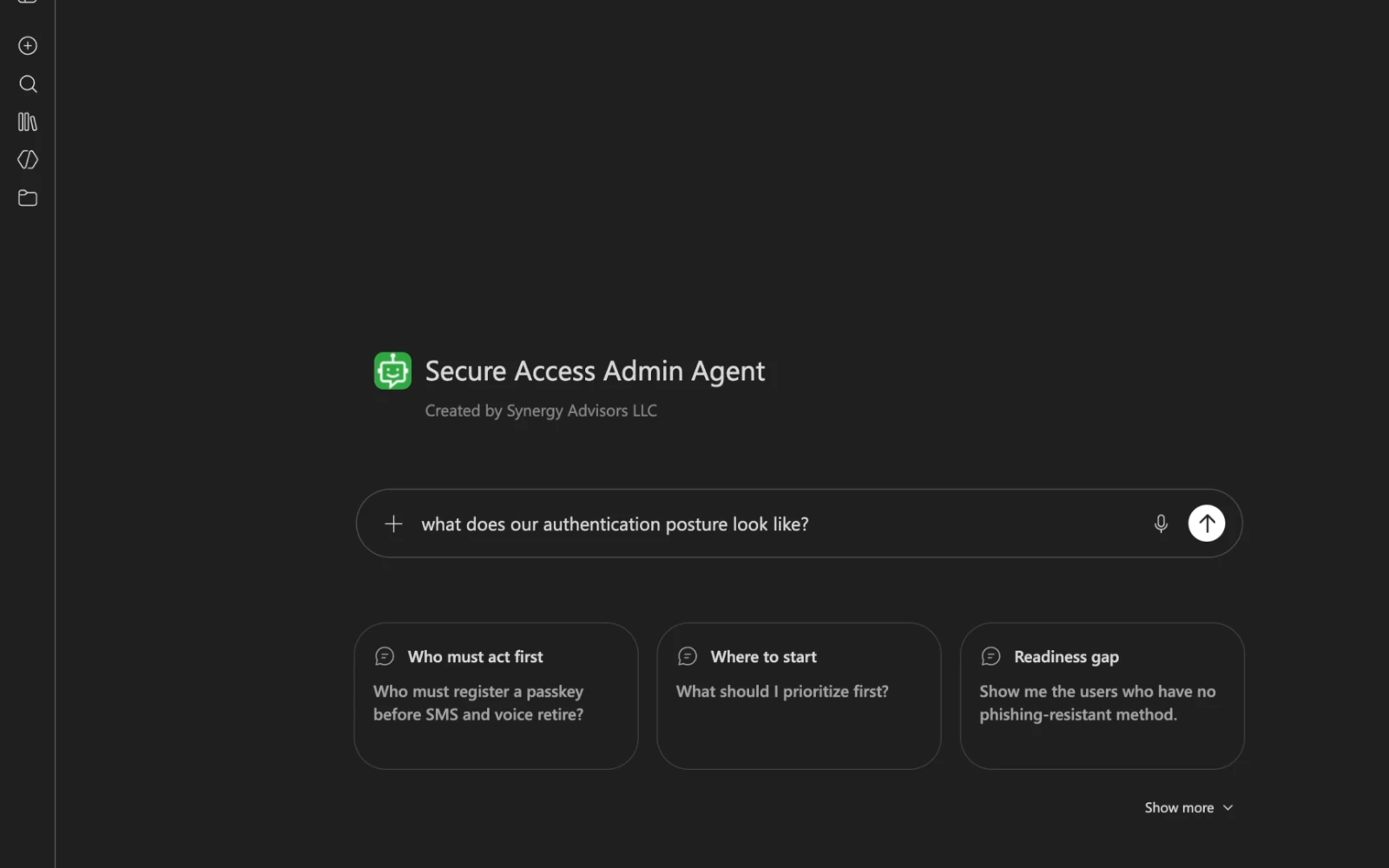
Admin agent
Secure Access Admin Agent
Answers who is at risk and where to start, from your own tenant.
ExploreSolutions in action
Short briefings from our experts on each solution in the strategy, starting with the one that answers the February 2027 deadline.
Passwordless by February 1, 2027: are your Entra ID users ready?
A structured assessment of your Microsoft Entra ID authentication posture, built on evidence from your own tenant. It runs in your environment and your data stays under your control.
- Who will be affected
- Which gaps matter most
- What the impact is
- What to improve first
Move users from SMS and voice to passwordless, inside Microsoft Teams
Configured does not mean adopted. Micro-Visor Passwordless finds who still signs in with SMS or voice and moves them to passwordless, right inside Microsoft Teams.
- Find SMS and voice users
- Remind them in Teams
- Fix methods at scale
- Self-service for users
Know who is at risk and where to start with passwordless
An AI agent for IT, identity and security teams. Ask in plain language and get answers from your own tenant: what to prioritize first, your authentication posture and who still depends on phone methods.
- Prioritize by deadline
- See your posture
- Check policies in plain language
- Drill into any account
Guide every employee to passwordless sign-in
A security assistant for every employee. It shows each person their own status, explains passkeys in plain language and walks them through setup step by step. It never changes accounts.
- Personal security status
- Clear answers on passkeys
- Guided passkey setup
- Guidance only, no changes
Get ready for the SMS and voice retirement
Practical, technically sourced guides from our security experts to move every user to phishing-resistant sign-in before February 1, 2027.
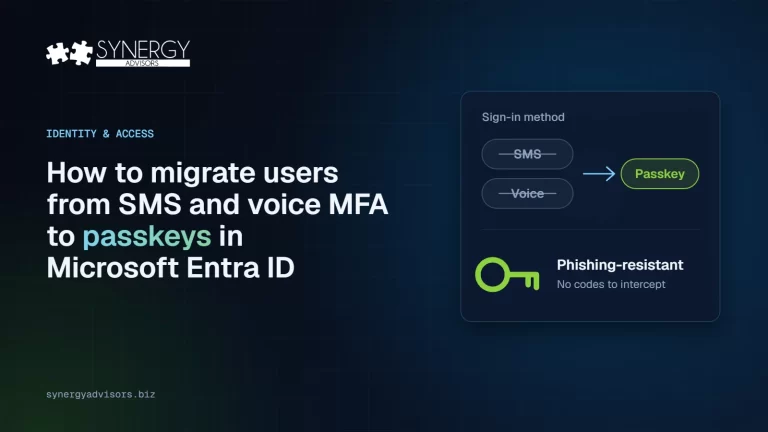
How to Migrate Users from SMS and Voice MFA to Passkeys in Microsoft Entra ID
To move users off SMS and voice MFA in Microsoft Entra ID, find who still depends on them, enable passkeys, run a registration campaign, cover every device and enforce phishing-resistant MFA in waves.
Read the guide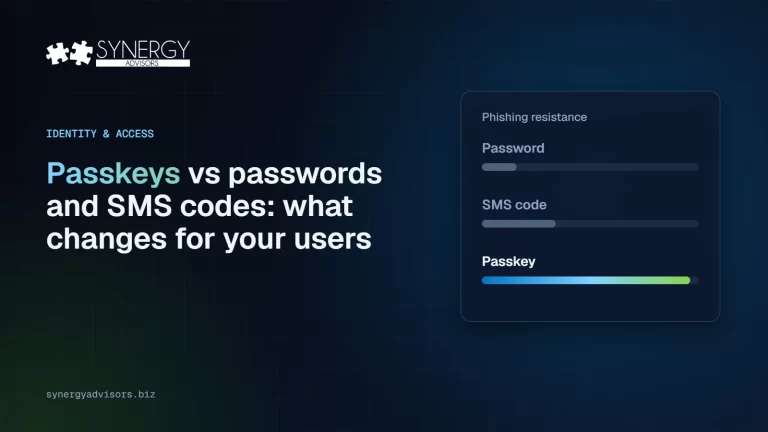
Passkeys vs Passwords and SMS Codes: What Changes for Your Users
A passkey replaces a password or SMS code with a cryptographic key that never leaves the user’s device and only works on the real website, so it cannot be phished, guessed or reused.
Read the guide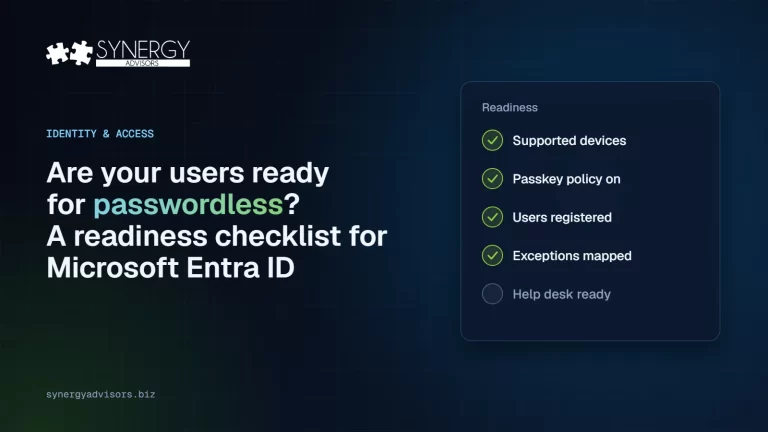
Are Your Users Ready for Passwordless? A Readiness Checklist for Microsoft Entra ID
Your organization is ready for passwordless when you know who still uses SMS or voice, every persona has a supported passkey, devices meet minimum versions, recovery is defined and enforcement can run in report-only mode first.
Read the guide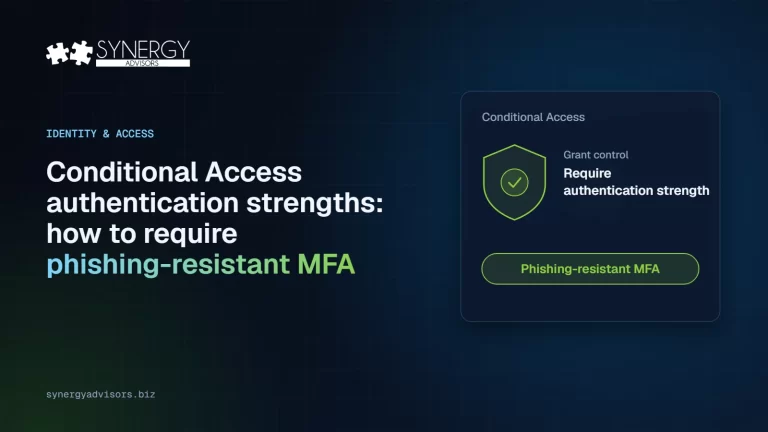
Conditional Access Authentication Strengths: How to Require Phishing-Resistant MFA
Authentication strengths let Conditional Access require specific sign-in methods. Use the built-in Phishing-resistant MFA strength, tested in report-only mode and rolled out in waves, to stop accepting SMS and voice for sensitive access.
Read the guideFrequently asked questions
Is passwordless the same as a secure access strategy?
No. Passwordless replaces the credential, but whether a sign-in is allowed depends on identity, device, application, location and risk, which Conditional Access evaluates. A secure access strategy governs all of those signals together. Phishing-resistant methods are one control inside it, and they only deliver their value when policies require them for the right users and applications.
What exactly changes on February 1, 2027?
Microsoft retires Microsoft-provided SMS and voice call delivery for multifactor authentication in Microsoft Entra ID. Users whose only registered method is a phone will not be able to sign in until they register a supported method, such as a passkey or Microsoft Authenticator. There is no opt-out, and self-service password reset is also in scope.
Who is affected?
Every user who signs in to your tenant with SMS or voice as their only method, including internal guests, who follow the same date. Azure AD B2C tenants are out of scope. External B2B guests can only satisfy phishing-resistant MFA in their home tenant, so your cross-tenant inbound trust settings need to be reviewed.
Which methods count as phishing-resistant?
Passkeys (FIDO2), including passkeys in Microsoft Authenticator on iOS 17 or later and Android 14 or later, Windows Hello for Business and certificate-based authentication. With authentication strengths in Conditional Access you can require them for specific users, applications or risk levels; authentication strengths require Microsoft Entra ID P1.
Do we need new licenses?
Not necessarily. Entra ID Free covers security defaults and basic MFA. Conditional Access and authentication strengths require Entra ID P1, risk-based policies with Identity Protection require P2, and the Entra Suite adds capabilities such as Global Secure Access. Much of the value comes from activating and governing what you already own, and our experts map each step to the licenses you have.
How long does the move to passwordless take?
It depends on the number of users, their devices and your exceptions, such as shared accounts, frontline workers or people without a smartphone. Registration campaigns can nudge users with up to three snoozes of up to 14 days each, and a Temporary Access Pass lets people register a passkey without a phone. That is why we start by measuring readiness and then move in waves, beginning with the users at highest risk.
Can we start without changing production?
Yes. Passwordless Readiness Free is a read-only review of your tenant with findings and recommendations, with no configuration activities and no commercial commitment. Secure Access E-ntelligence also runs read-only in your tenant and gives you a maturity score with ranked priority actions.
Where and in which languages do you deliver?
Across the Americas and Europe, in English or Spanish, in person or remote, led by Synergy Advisors experts in identity and security.
We already have MFA. Is that not enough?
MFA proves a second factor, but it does not prove the site is real: push and code prompts can be relayed in real time. Phishing-resistant methods such as passkeys are bound to the domain and the device, so there is no secret left to steal or replay.
What if a user loses their phone?
Every user registers at least two methods, so a lost phone is a re-registration and not a lockout. A Temporary Access Pass restores access in minutes, time-limited and fully audited.
Can we control the passkey prompts users are already seeing?
Yes. The prompt is a registration campaign that your tenant can enable, scope to a pilot group or disable at any time before enforcement, so you can prepare communications and support first.
What about frontline or phone-less users?
FIDO2 security keys, Windows Hello for Business and certificates cover shared, frontline and phone-less users without depending on personal phones.
Why act now?
Weak methods are being retired on a published timeline, so the change happens with or without a plan. Most capabilities are already licensed; the value comes from activating and governing them before the deadline.
Plan your secure access strategy
Tell us where you are today. A Synergy Advisors expert will recommend the right starting point.
Share your contextUsers, authentication methods, licensing and timeline.
Get a recommendationThe package or maturity step that fits, with scope and next steps.
Move before the deadlineIn English or Spanish, in person or remote.