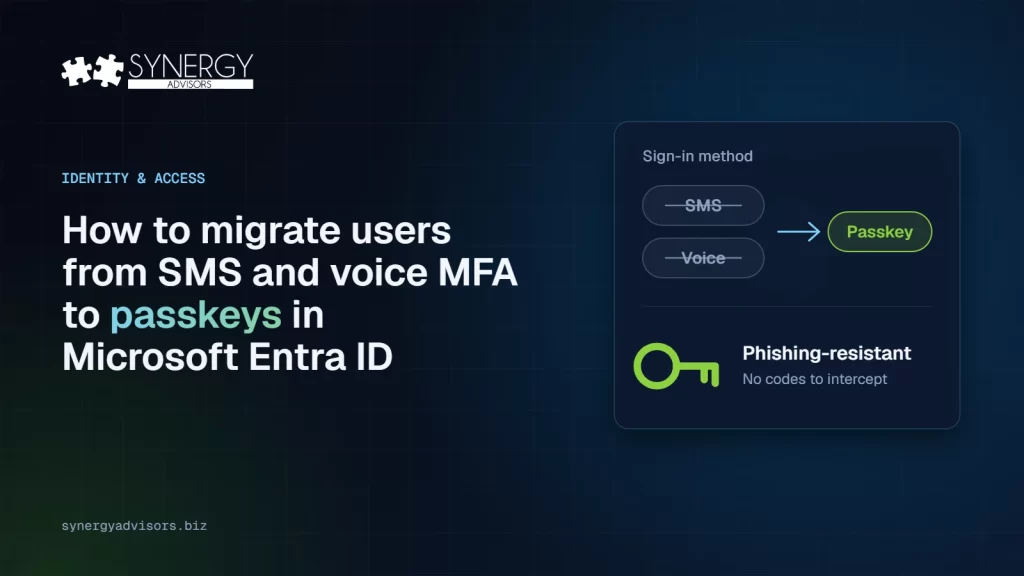

Short answer: to move users from SMS and voice MFA to passkeys in Microsoft Entra ID, find everyone who still depends on SMS or voice, enable Passkey (FIDO2) with passkey profiles, get users registered with a registration campaign and Temporary Access Pass, close device gaps, communicate early and then require phishing-resistant MFA in waves with Conditional Access. Microsoft-provided SMS and voice are retired on February 1, 2027 for most users and on July 1, 2027 for Global Administrators and external users. After those dates, users whose only method is SMS or voice must register a passkey before they can continue signing in.
What is changing and when
Microsoft is retiring the SMS and voice authentication it delivers on behalf of Microsoft Entra ID tenants and is making passkeys the default sign-in method. The change applies across Microsoft Entra, including self-service password reset (SSPR). Only the Microsoft-provided channel goes away: organizations with a real regulatory or operational need can keep SMS or voice through a customer-managed telephony provider.

| Who | Microsoft-provided SMS and voice end | What happens after that date |
|---|---|---|
| Members and internal guest users | February 1, 2027 | Users whose only MFA method is SMS or voice must register a passkey during sign-in. The prompt is blocking. |
| Global Administrators | July 1, 2027 | Same blocking passkey registration if SMS or voice is their only method. |
| External users (B2B) | July 1, 2027 | Same blocking behavior. Passkey support for B2B guests is planned by the end of 2026. |
| Users moved to a customer-managed telephony provider | Not affected by the retirement | They keep SMS or voice through the provider, at the provider’s pricing. |
| Azure AD B2C tenants | Out of scope | No change from this retirement. |
No opt-out from enforcement. Between September 1, 2026 and February 1, 2027 you can delay the automatic passkey enablement through Microsoft Graph, but the retirement dates and the blocking prompt apply regardless.
What already changed on September 1, 2026
If your tenant had users enabled for SMS or voice, three things changed automatically on September 1, 2026:
- Those users were enabled for passkeys in the Authentication methods policy, in a passkey profile that allows all passkey types.
- The registration campaign moved to the Microsoft managed state, so users are nudged to register a passkey after their next MFA sign-in.
- By default the nudge allows unlimited snoozes. Until February 1, 2027 users can postpone it; after that date the prompt can no longer be skipped for users who only have SMS or voice.
In other words, your users are already seeing passkey prompts. The question is whether you steer the migration or let the deadline do it.
A six-part migration plan
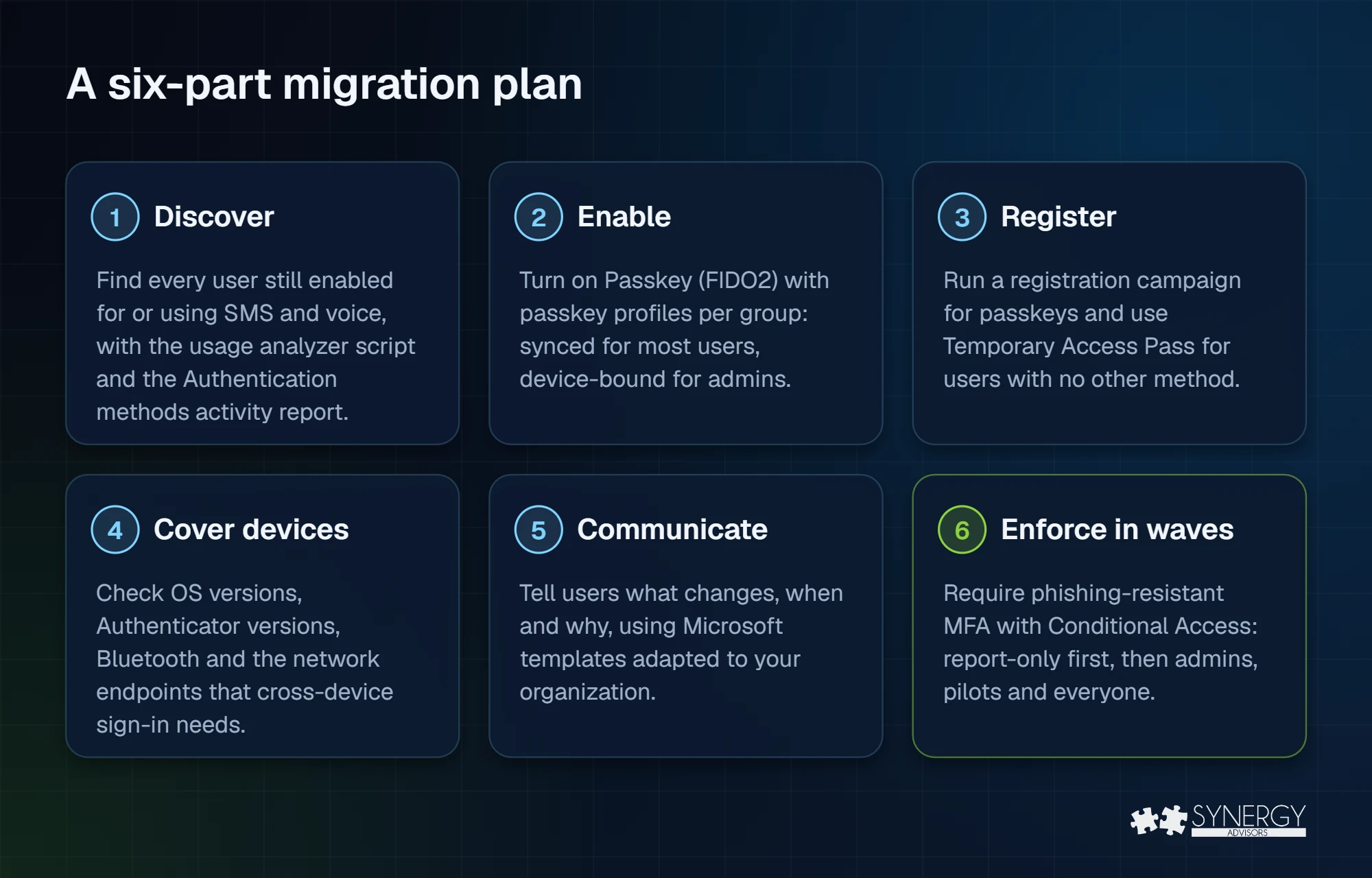
1. Discover who still depends on SMS or voice
Start with data, not assumptions. Microsoft publishes a PowerShell script, the SMS and voice usage analyzer, that lists users enabled for SMS or voice and shows whether they actually use it. It runs with the Global Reader, Authentication Policy Administrator or Security Reader role. Any non-zero result means you are in scope.
Complement it with the Authentication methods activity report in the Microsoft Entra admin center (Entra ID > Authentication methods > Activity) or query registration details directly from Microsoft Graph:
GET https://graph.microsoft.com/v1.0/reports/authenticationMethods/userRegistrationDetails
    ?$select=userPrincipalName,methodsRegistered,isMfaCapable,isPasswordlessCapable
Split the result into three groups: users who only have SMS or voice (highest priority), users who have SMS plus another method, and users who are already passwordless capable.
2. Enable passkeys with the right profile for each group
Open Entra ID > Authentication methods > Policies > Passkey (FIDO2) with the Authentication Policy Administrator role. Passkey profiles let you apply different rules to different groups; up to three profiles are supported, including the default one. Each profile defines:
| Setting | What it controls | Typical choice |
|---|---|---|
| Passkey types | Device-bound, synced or both | Both for most employees; device-bound only for administrators |
| Enforce attestation | Accept only authenticators that prove their make and model | Yes for administrators; synced passkeys do not support attestation |
| Key restrictions (AAGUID) | Allow or block specific authenticator models | Allow-list Microsoft Authenticator and your approved security keys for privileged roles |
Keep Allow self-service set up on, so users can register at Security info without opening a ticket. If you need the full comparison between the two passkey types, see Passkeys vs passwords and SMS codes.
3. Get every user registered
The registration campaign (Entra ID > Authentication methods > Registration campaign) is the main lever. You can leave it in Microsoft managed or switch it to Enabled to control it yourself: target Passkey (FIDO2), choose how many days a user can snooze (0 to 14) and limit snoozes to three, after which registration is required. Target the group of SMS and voice users first.
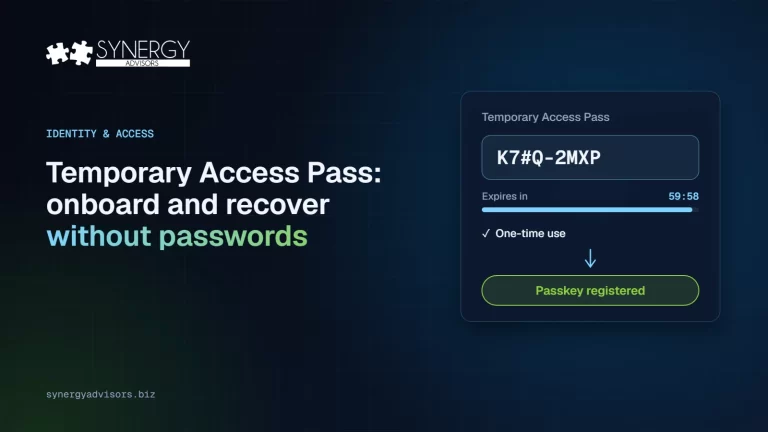
Users who have no other method, new hires and anyone who lost their phone need a secure way in. Issue a Temporary Access Pass (TAP): a time-limited passcode, configurable from 10 minutes to 30 days (default one hour), that can be one-time use. With a one-time TAP the user must complete the passkey registration within 10 minutes of signing in.
Passkeys cannot be registered from the Conditional Access registration interrupt. Users must register them beforehand through Security info, Microsoft Authenticator or the registration campaign. That is why registration has to come before enforcement.
4. Close device gaps before they become tickets
- Phones: passkeys in Microsoft Authenticator require iOS 17 or later and Android 14 or later (Android 15 is recommended). For both synced and device-bound support, Authenticator 6.8.37 on iOS and 6.2507.4749 on Android or later.
- Cross-device sign-in: registering or signing in from a computer with a phone needs internet and Bluetooth on both devices.
- Network: allow, without TLS inspection,
cable.ua5v.comfor Android andcable.auth.com,app-site-association.cdn-apple.comandapp-site-association.networking.applefor iOS. - Computers: Windows Hello for Business on managed Windows devices removes the phone from the daily sign-in altogether.
- No phone: FIDO2 security keys for frontline staff, shared workstations and users who cannot or will not use a personal phone.
5. Communicate before you enforce
Most migration friction is a communication problem. Microsoft provides end-user templates for email, Teams and intranet posts at aka.ms/mfatemplates. A simple cadence works well: an announcement four weeks before enforcement, a reminder with a two-minute guide one week before, and a message on the day with the help desk path. Explain the why in one line: passkeys are faster than codes and they cannot be phished.
6. Enforce phishing-resistant MFA in waves
Once registration is high, require phishing-resistant MFA with a Conditional Access authentication strength. Run the policy in report-only mode, then turn it on for administrators, pilot groups and finally everyone. Exclude two emergency access accounts that use their own phishing-resistant method and alert on every use. The full policy design is in Conditional Access authentication strengths: how to require phishing-resistant MFA.
What about users who really need SMS or voice?
Some users have a legitimate need for an out-of-band telephone channel, for example because of regulation or because they work where no other method is viable. For them, Microsoft is opening customer-managed telephony providers in Microsoft Security Store, configurable from October 30, 2026. The first providers are Soprano and Telesign, and pricing varies by provider and region.
If you configure a provider and move those users before their retirement date, they will not receive the blocking passkey prompt. Keep this list short and reviewed: every user you leave on SMS is a user who can still be phished.
Common mistakes to avoid
- Enforcing before registering. Users without a passkey are blocked by the policy and cannot register one from the interrupt.
- Forgetting SSPR. The retirement also affects password reset by SMS or voice. Review your SSPR methods at the same time.
- One profile for everyone. Administrators deserve device-bound passkeys with attestation; most employees are better served by synced passkeys.
- Ignoring guests. External users follow July 1, 2027 and depend on your cross-tenant trust settings.
- Leaving the help desk out. Recovery with Temporary Access Pass needs a documented identity-verification script before day one.
How Synergy Advisors helps
Our security experts run this migration end to end: we measure who depends on SMS and voice, design passkey profiles and Conditional Access, prepare communications and recovery, and enforce in waves without locking anyone out. Learn more about our Secure Access services and our Passwordless offering, or check your starting point with the passwordless readiness checklist.
Sources
- Passkeys by default and retirement of Microsoft-provided SMS and voice authentication Microsoft Learn
- FAQ for Microsoft-provided SMS and voice retirement Microsoft Learn
- Microsoft Entra SMS and voice usage analyzer (GitHub) GitHub
- Enable passkeys (FIDO2) in Microsoft Entra ID Microsoft Learn
- Run a registration campaign to set up passkeys or Microsoft Authenticator Microsoft Learn
- Configure a Temporary Access Pass Microsoft Learn
- Register a passkey in Microsoft Authenticator Microsoft Learn
- How Conditional Access authentication strengths work Microsoft Learn
- Manage emergency access accounts in Microsoft Entra ID Microsoft Learn
Frequently asked questions
When do SMS and voice MFA stop working in Microsoft Entra ID?
Microsoft-provided SMS and voice are retired on February 1, 2027 for all users except Global Administrators and external users, who follow on July 1, 2027. Internal guest users follow the February date.
What happens to users who only have SMS or voice?
They are not locked out. After their retirement date they must register a passkey during sign-in before they can continue. The prompt is blocking and there is no opt-out from that enforcement.
Does the retirement affect self-service password reset?
Yes. The retirement of Microsoft-provided SMS and voice applies across Microsoft Entra, including SSPR, unless you use a customer-managed telephony provider.
Do passkeys cost extra?
No. Migrating users from Microsoft-provided SMS and voice to passkeys has no additional cost. Customer-managed telephony providers are paid services.
Can we keep SMS for some users?
Yes, through a customer-managed telephony provider in Microsoft Security Store, available from October 30, 2026. Move those users before their retirement date to avoid the blocking prompt.