

Know who is at risk and where to start with passwordless
The Secure Access Admin Agent answers, in plain language and with exact figures, who in your Microsoft Entra ID tenant depends on SMS or voice, who still signs in that way and what each person should do before February 1, 2027.
One spreadsheet is not a readiness plan
Microsoft retires Microsoft-provided SMS and voice authentication in Entra ID on February 1, 2027 (July 1, 2027 for Global Administrators and external users). Measuring your exposure once is easy. Keeping that number true until the deadline is not.
Your users keep changing
People add and remove methods every week, so last month’s report is already wrong.
Three groups, not one
Who is at risk, who loses access and who has no phishing-resistant method are three different groups.
Remediation is a campaign
The useful question is what your exposure is this week, and whether it is going down.
Answers, not exports
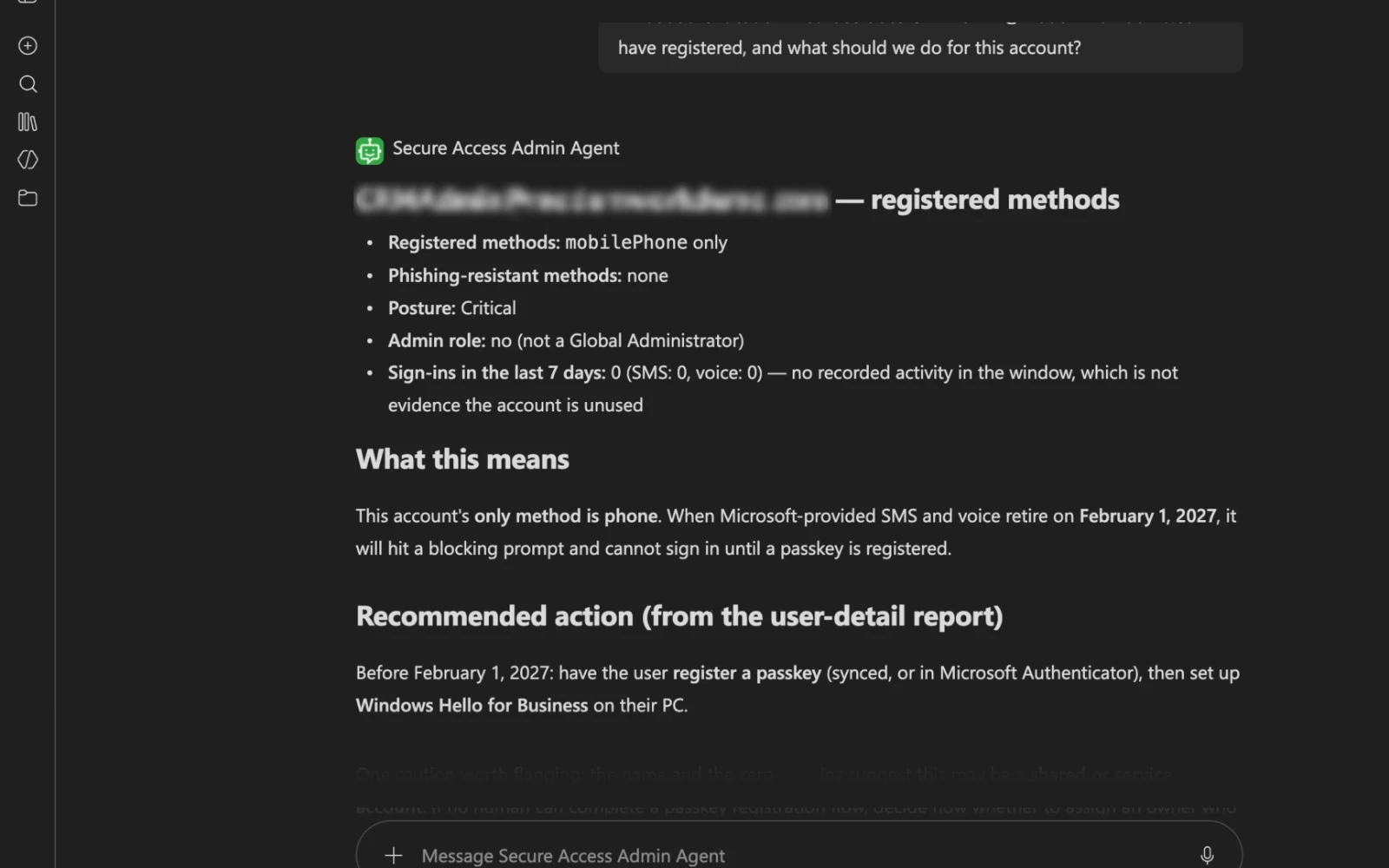
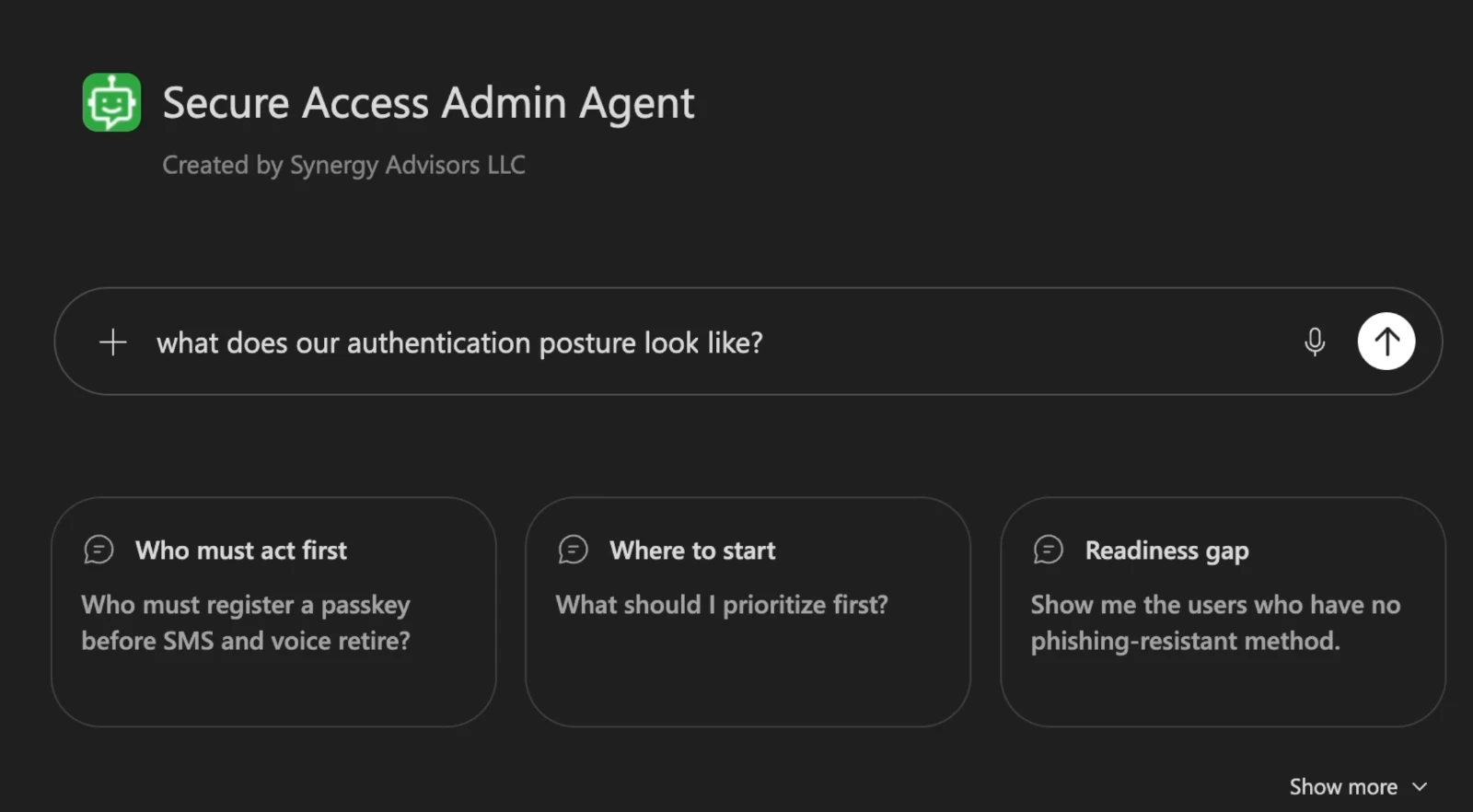
Ask in plain language and get exact figures from your own tenant, with no report to build.
Ask a question, get the full picture
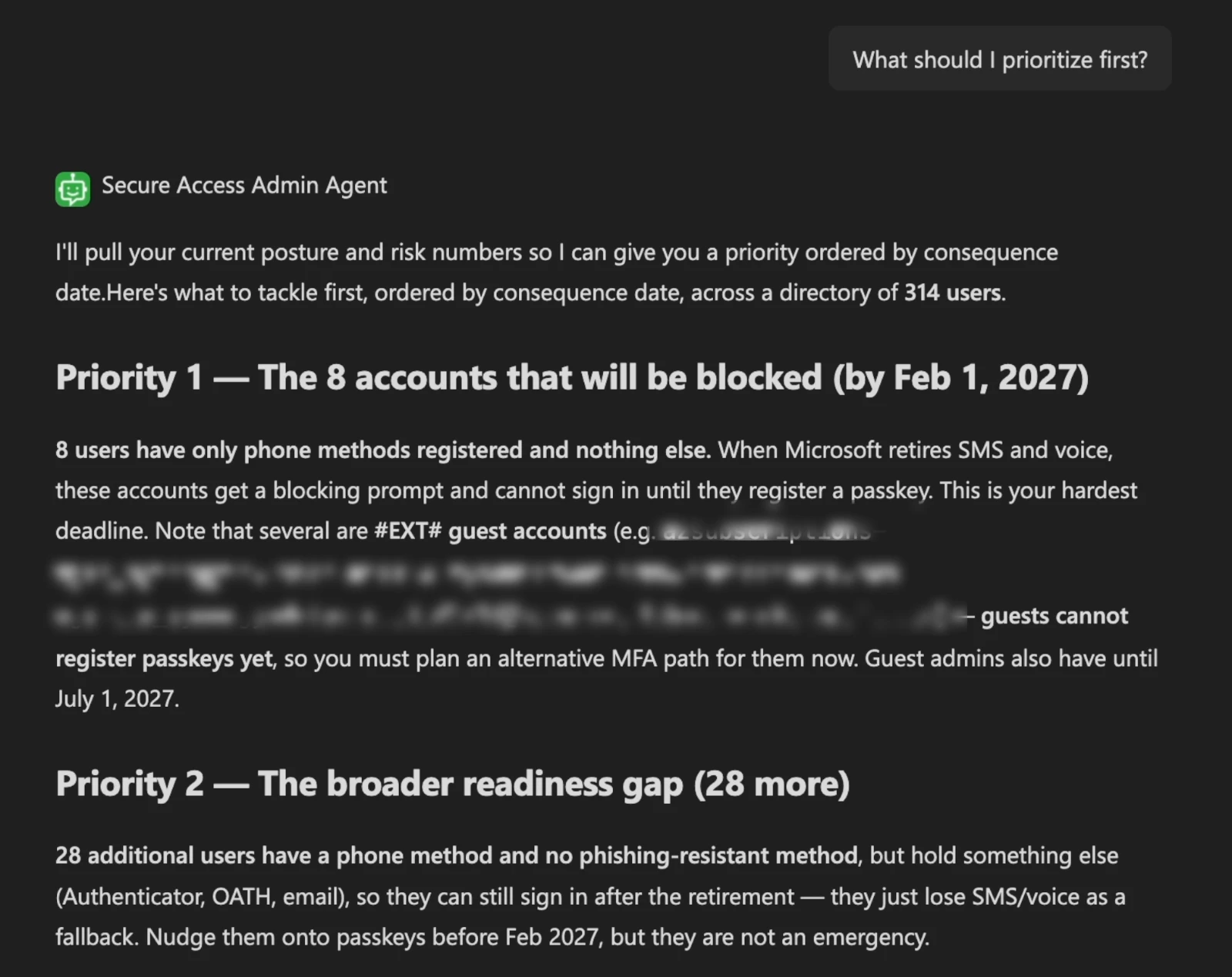
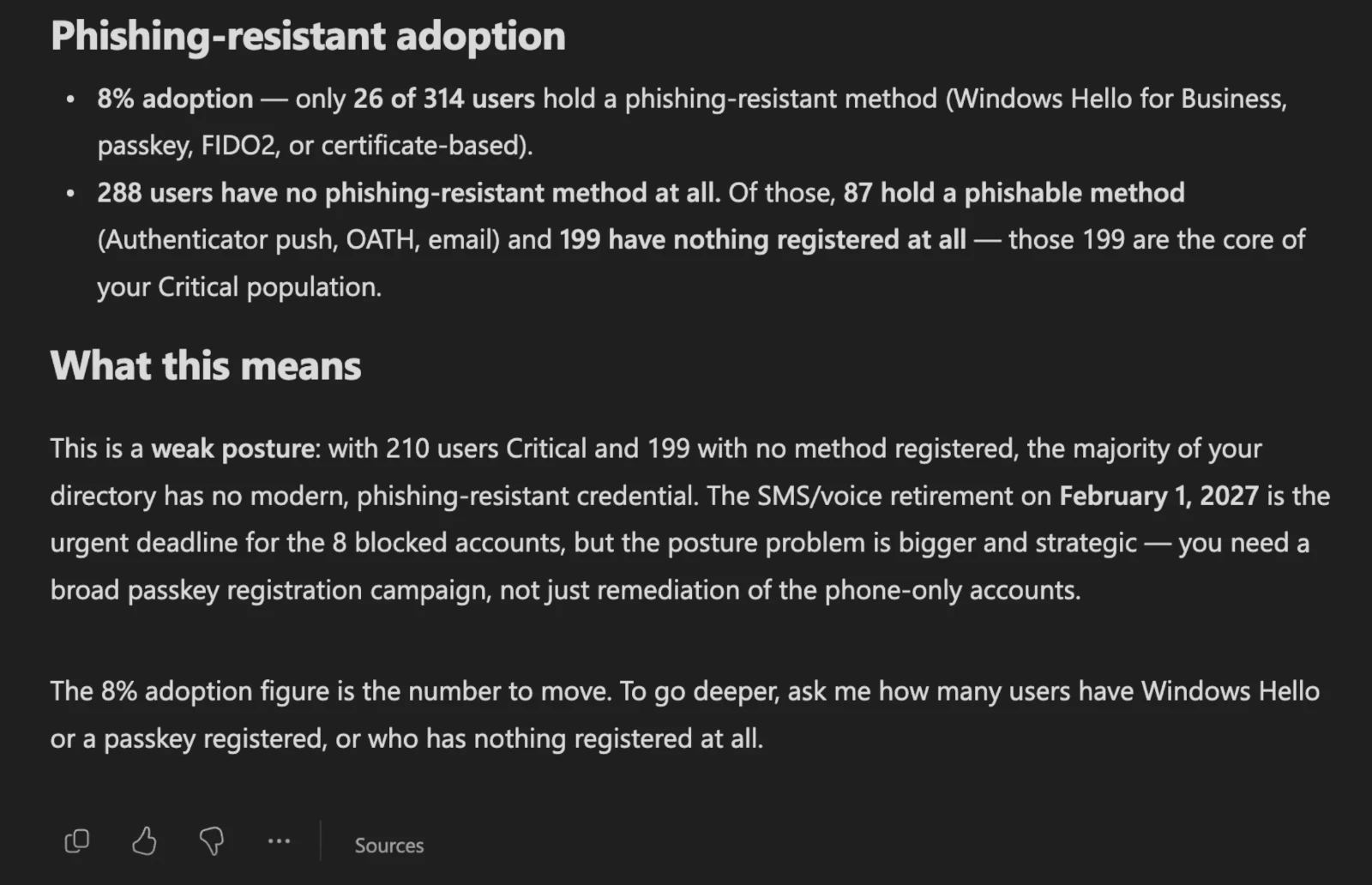
Real answers from the agent to the questions identity teams ask most. Names and emails are hidden.
What to fix first, in order
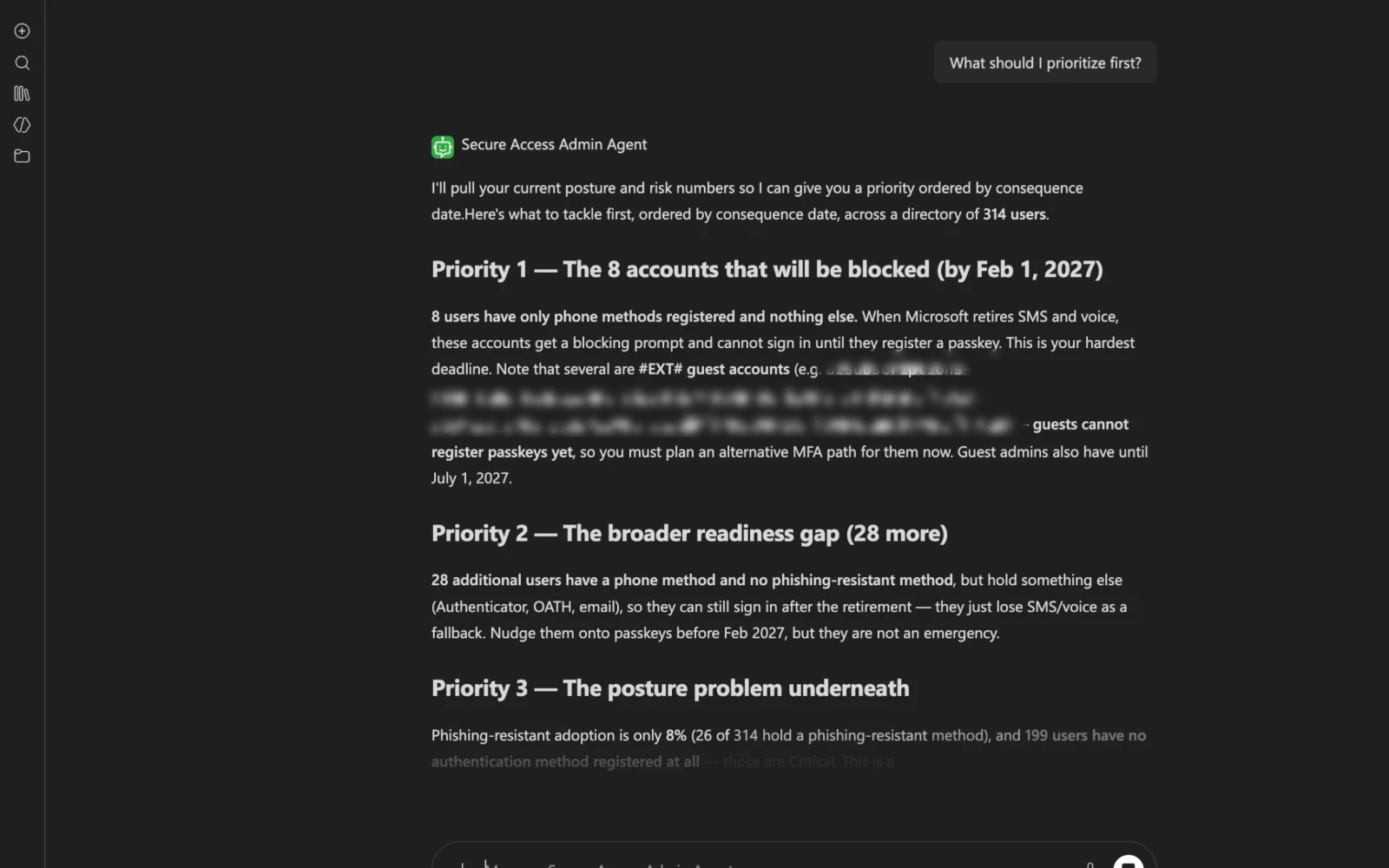
The agent ranks the work by consequence and date: first the accounts that will be blocked, then the wider readiness gap, then the posture problem underneath. Each priority comes with its own figure.
- Blocked accounts first, with the date that matters
- The wider readiness gap, sized
- The posture problem underneath, explained
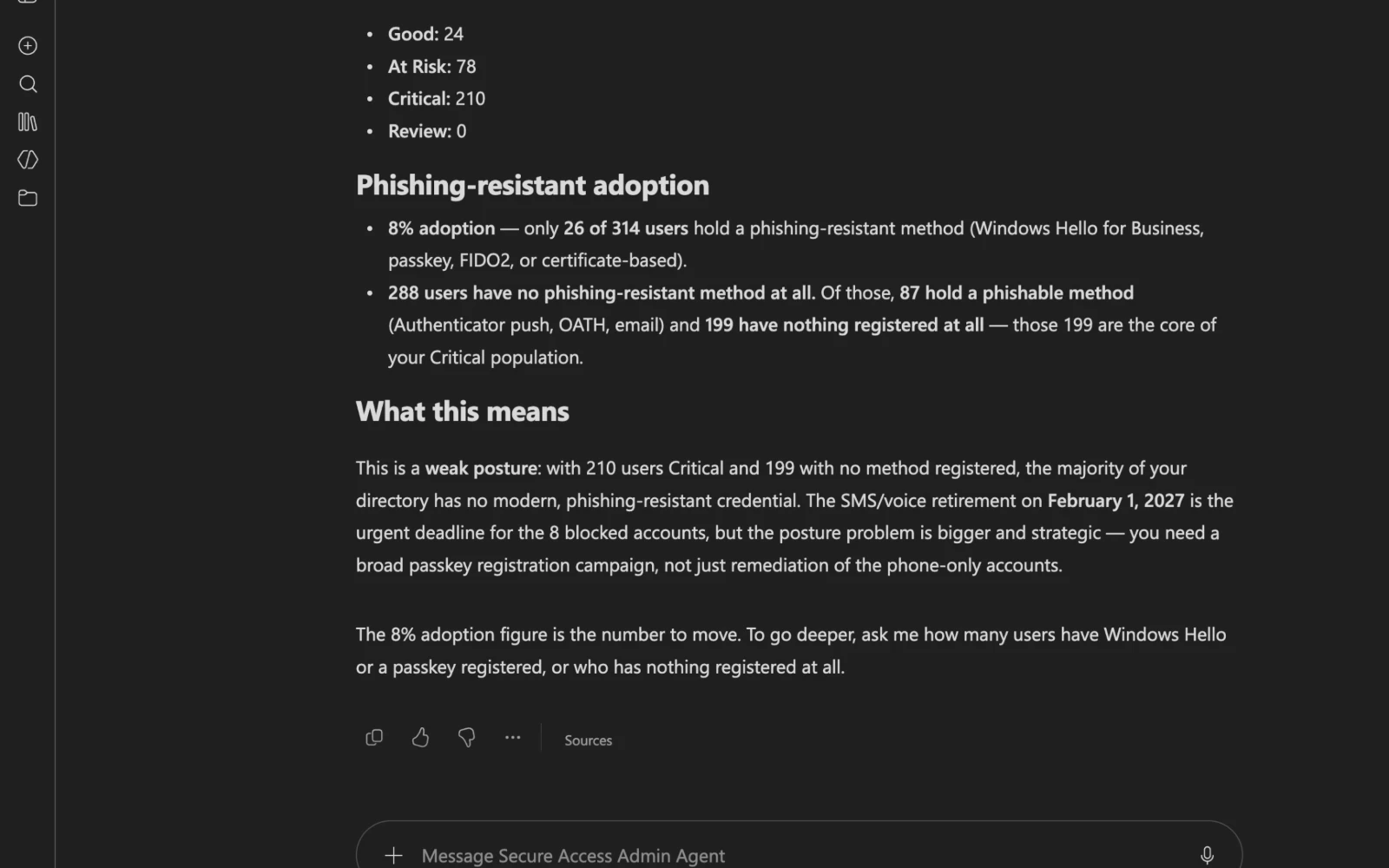
Your posture, in real numbers
The agent reports how many users hold a phishing-resistant method, how many still rely on phishable methods and how many have nothing registered at all, then explains what that means for your rollout.
- Phishing-resistant adoption as one figure
- Phishable methods and users with nothing registered
- What it means for your rollout, in plain language
From policy to people
The agent reads your authentication methods policy and your sign-in logs, so you see what is allowed and what people actually do.
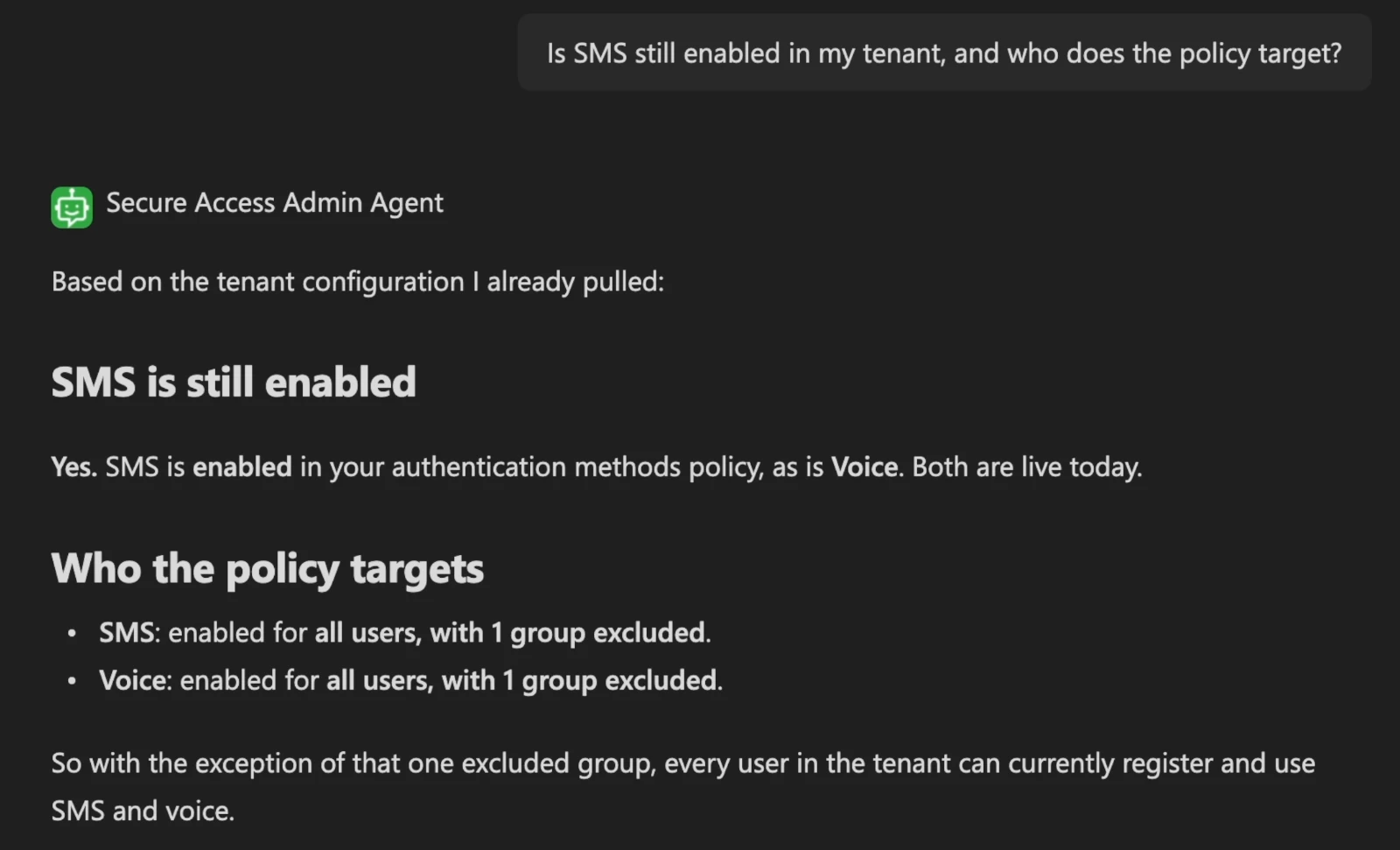
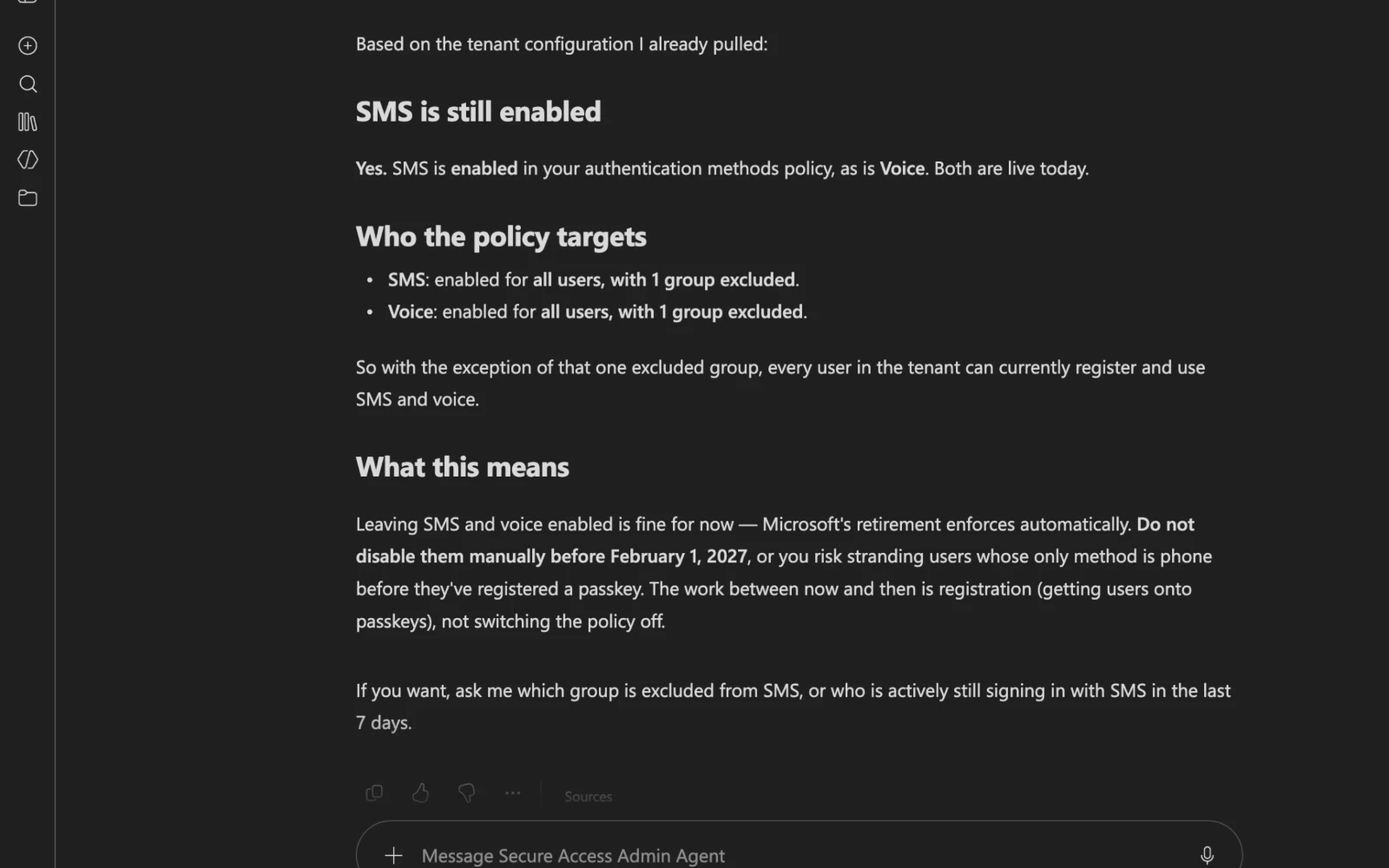
Your configuration, in plain language
Is SMS still enabled? For whom? Which groups are excluded? The agent reads your authentication methods policy and explains it without portal jargon.
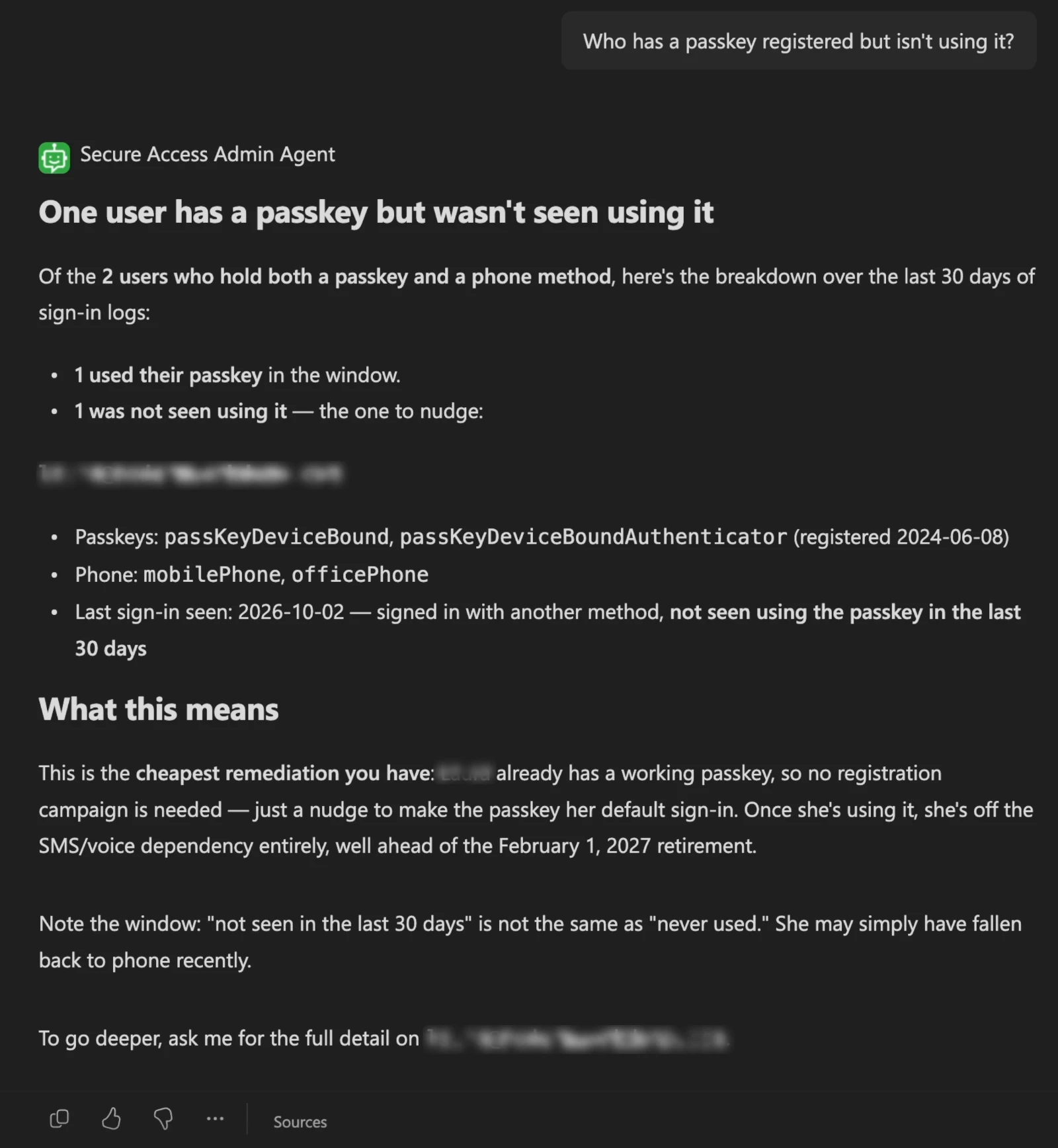
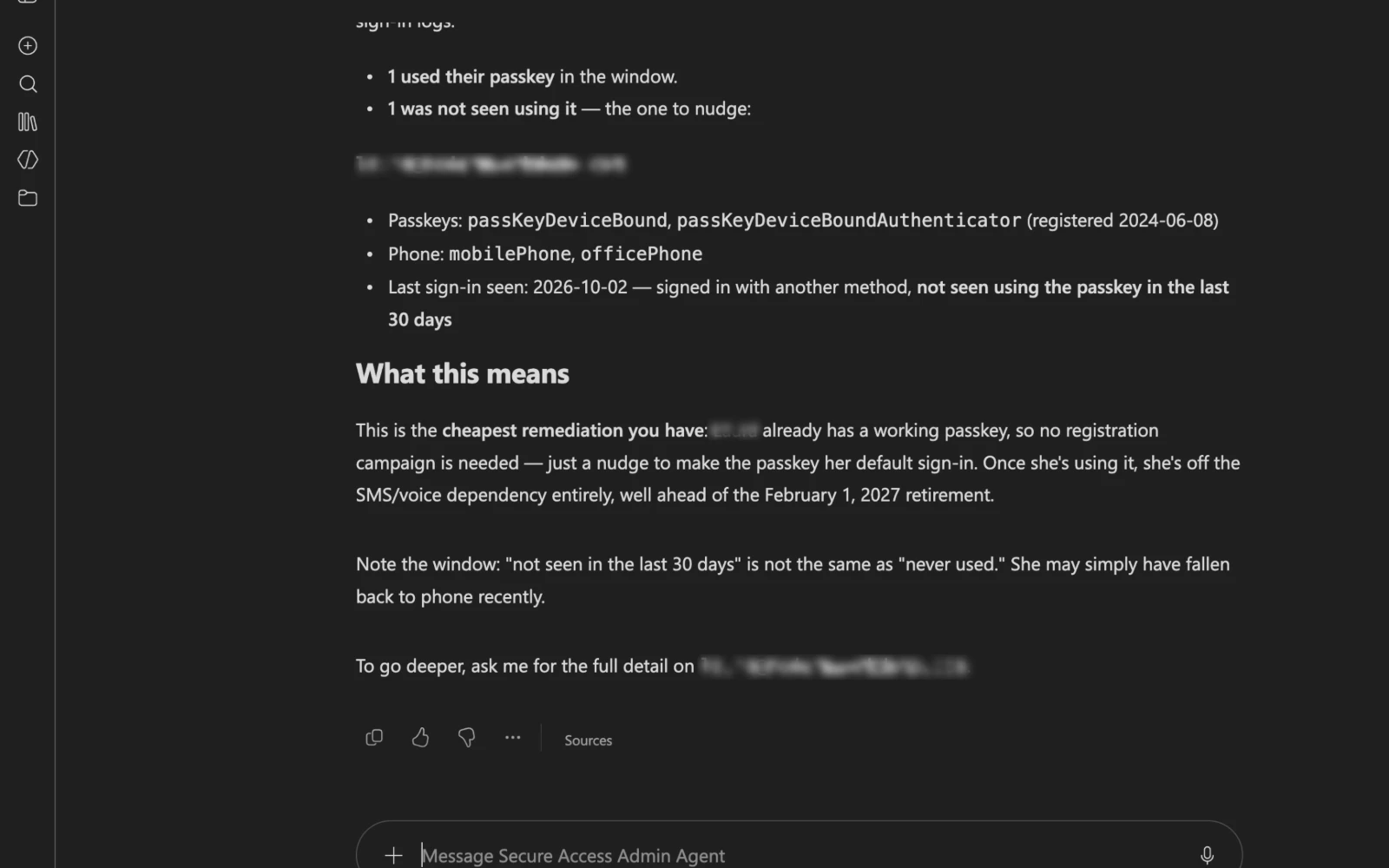
Passkeys nobody uses
Some people already registered a passkey but still sign in another way. The agent names them from 30 days of sign-in logs, so a nudge is all it takes.
Every answer, from your own tenant
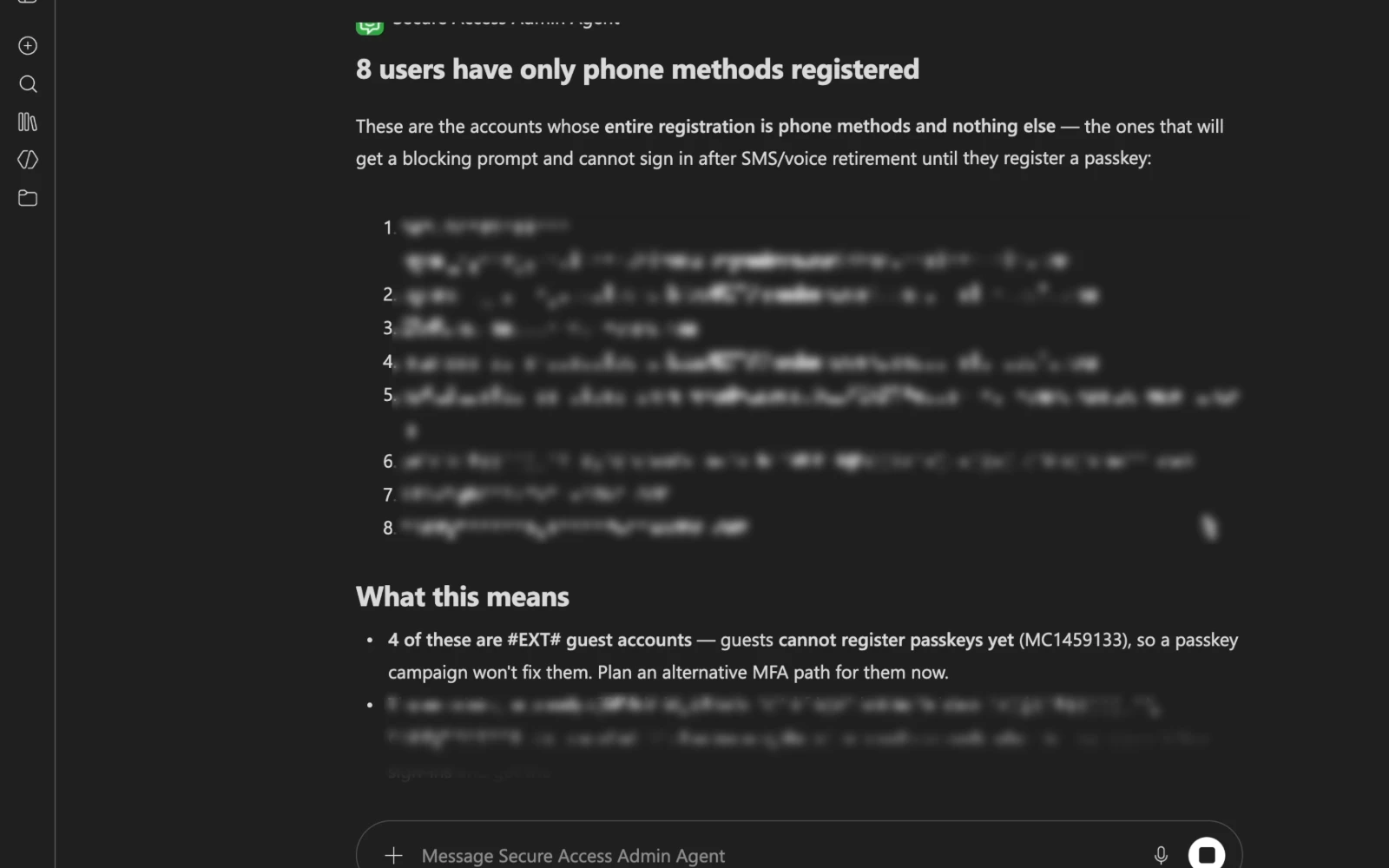
Explore real answers from the Secure Access Admin Agent, grouped by the questions identity teams ask every week.
Built for your security team
Read-only
It holds no write permission on any Microsoft 365 service. It reports and recommends; your administrators act.
Runs in your own tenant
Deployed into your environment and operated by you. Synergy Advisors does not host it or connect to it afterwards.
No copy of your data
It reads Microsoft Graph live when you ask and keeps no history database.
Exact figures, never estimates
Every number is calculated by the agent’s own logic, not by the language model, and reconciled against an independent query of the same data.
Honest about gaps
If a permission is missing or data is partial, it says so. It never turns missing data into a reassuring zero.
Clear limits, by design
It does not change your tenant, register methods, edit policies, contact users or run on a schedule. It answers when asked.
See the agent in one minute
Know who is at risk and where to start with passwordless
A one-minute walkthrough of the questions identity teams ask most, answered by the agent.
One strategy, connected solutions
E-ntelligence measures where you stand. Micro-Visor Passwordless acts on it, user by user. Our Secure Access agents guide administrators and every employee along the way.
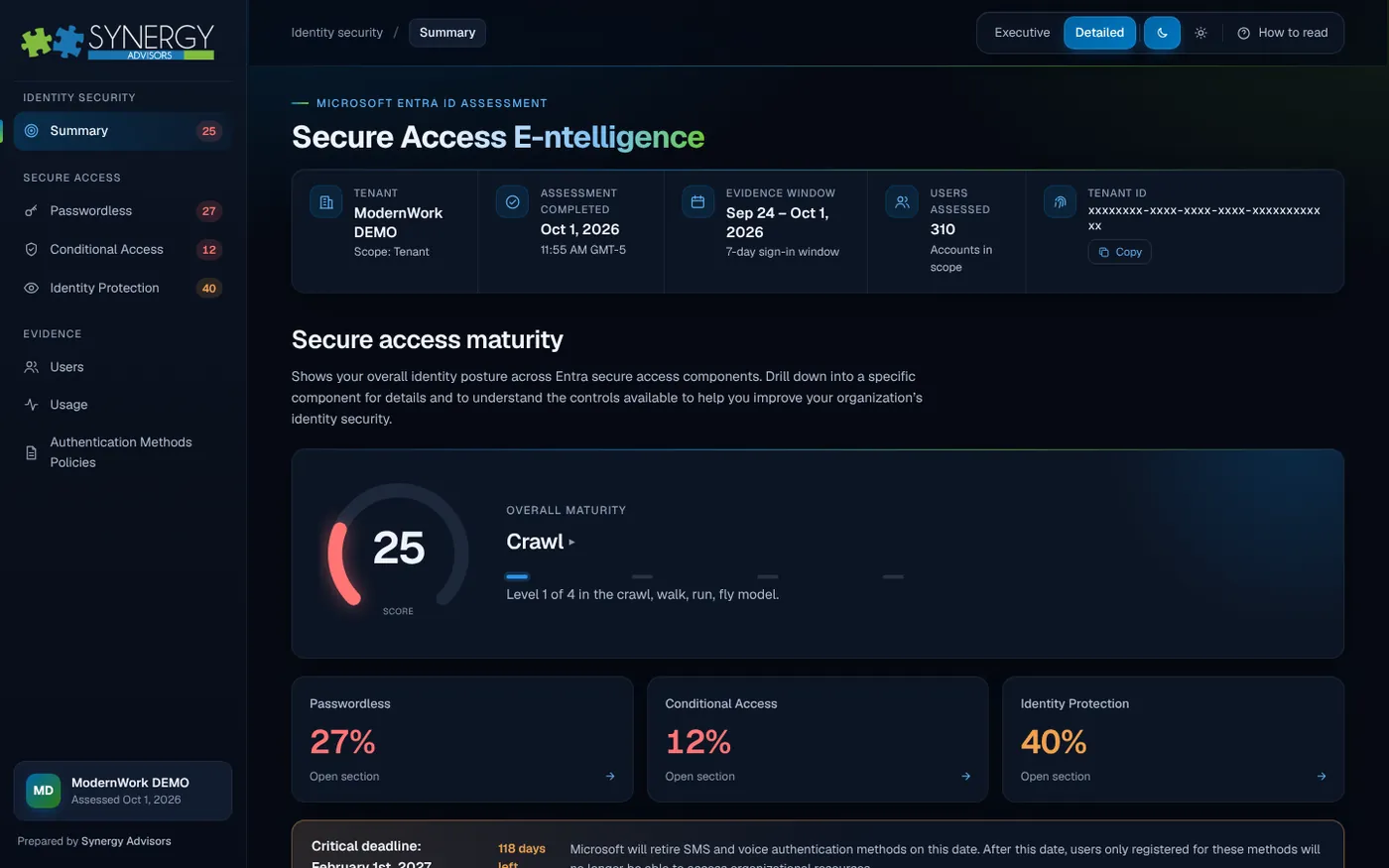
Assessment report
Secure Access E-ntelligence
Measures your Entra ID secure access maturity and ranks what to fix first.
Explore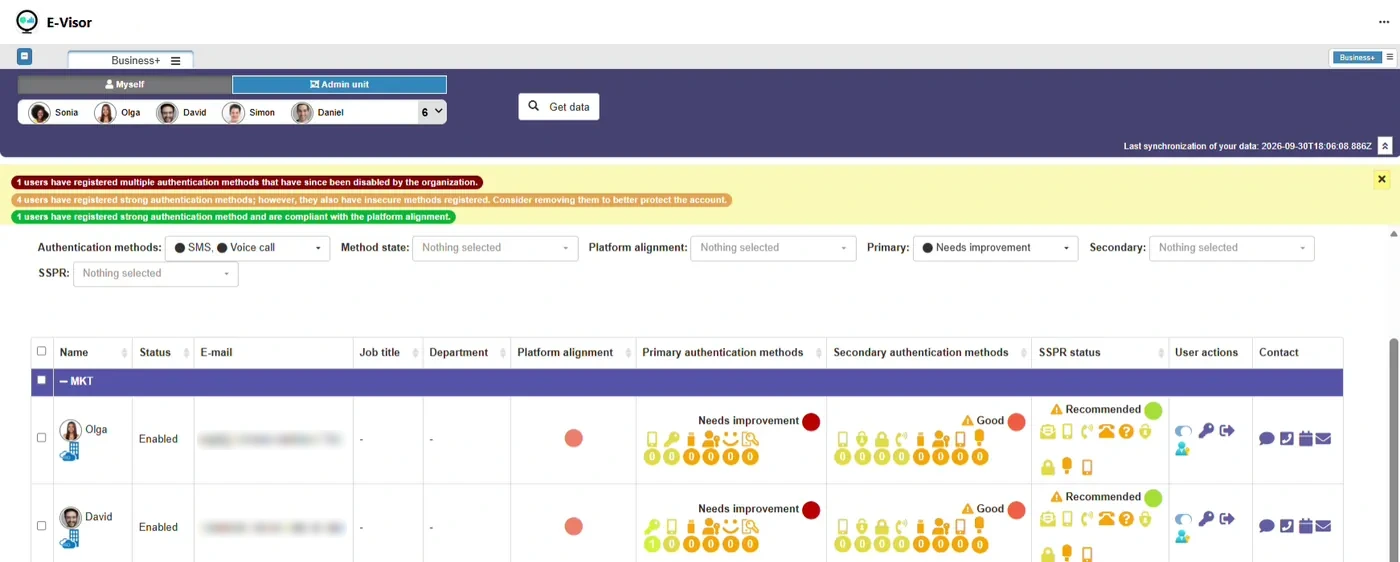
Adoption in Microsoft Teams
Micro-Visor Passwordless
Finds users still on SMS and voice and moves them to passwordless.
Explore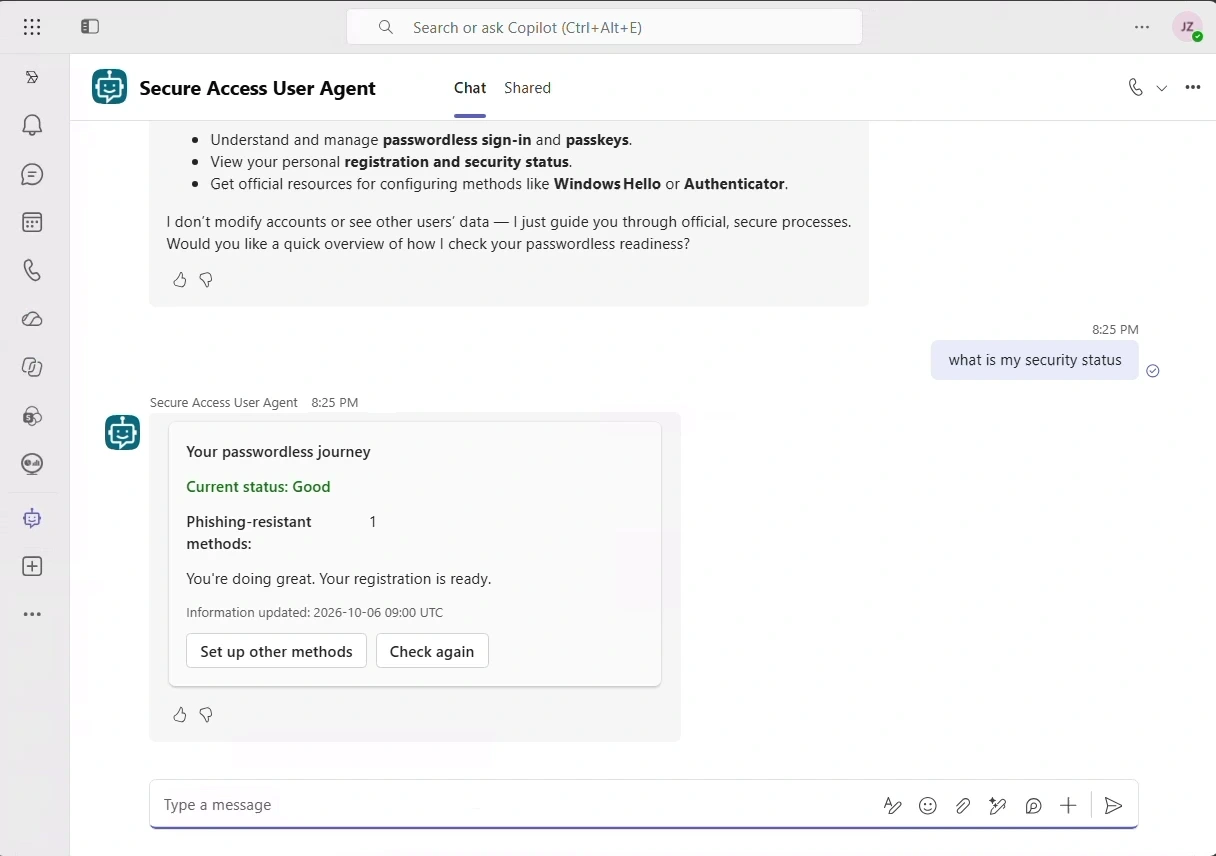
End-user agent
Secure Access User Agent
Guides each employee to passwordless sign-in, inside Microsoft Teams.
Explore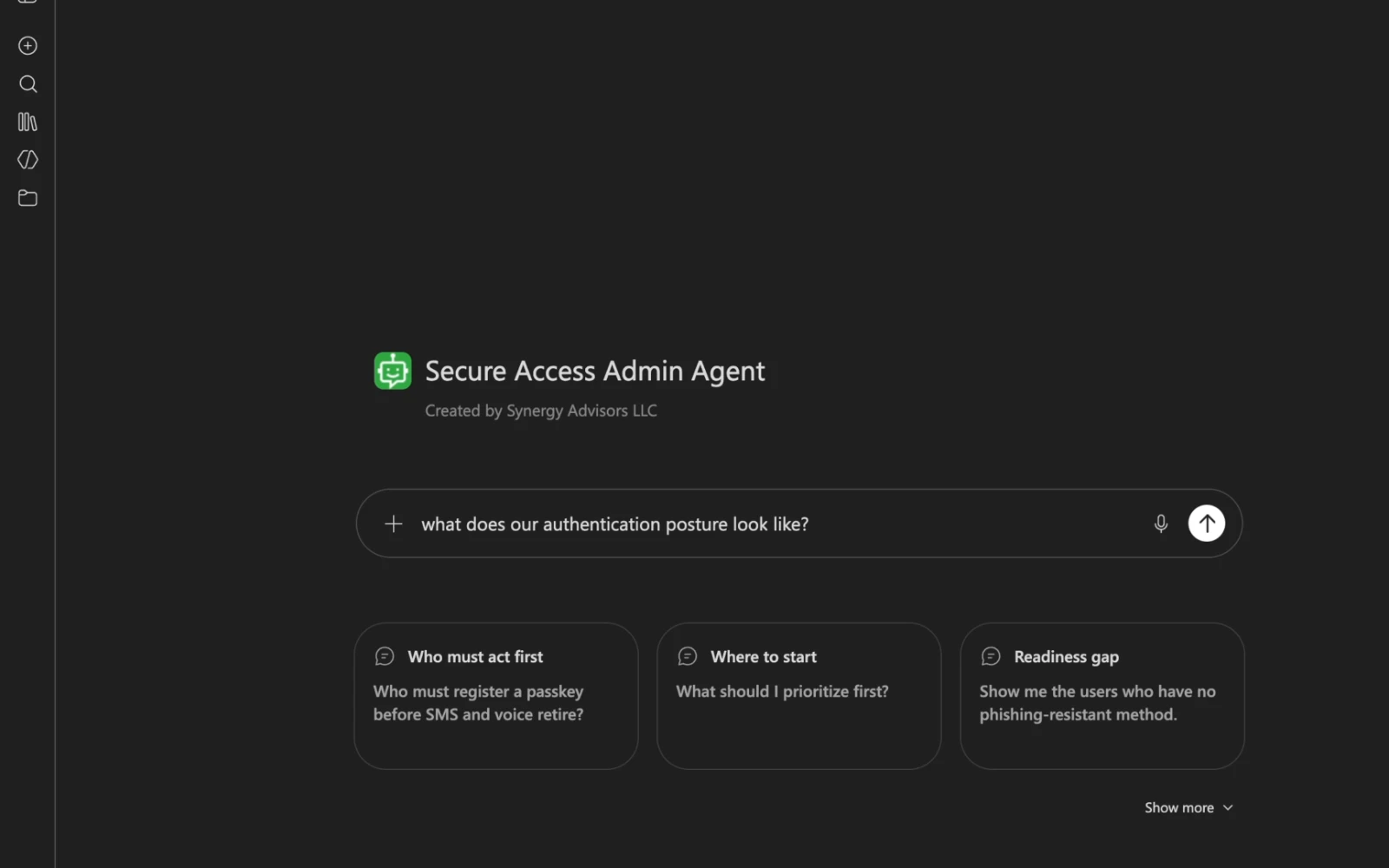
Admin agent
Secure Access Admin Agent
Answers who is at risk and where to start, from your own tenant.
You are hereWhat you need
- Microsoft Entra ID P1 or P2Identity licensing for your tenant
- Microsoft Copilot StudioLicensing to publish and use the agent
- Power Platform with DataverseAn environment to host the agent
- One-time read-only consentBy a Global or Privileged Role Administrator
Optional: Microsoft Intune, to report on Windows Hello for Business.
Frequently asked questions
Can the agent change anything in our tenant?
No. It only has read permissions. Every change is made by your administrators with the usual Microsoft Entra tools.
Where does our data go?
Nowhere outside your tenant. The agent runs in your own environment and reads data live when you ask. It keeps no copy and no history database.
How accurate are the numbers?
Figures are calculated deterministically by the agent, not by the language model, and verified against independent queries of the same data. Phone sign-in usage is reported as a demonstrated minimum, because some sign-ins do not record which method was used.
Who should use it?
Identity and security administrators. Its answers list the accounts most exposed to phishing, so access should stay within that team.
Does it replace the Microsoft reports?
No. It turns them into direct answers to the questions your team asks, and lets you ask again as often as your passwordless campaign needs.
See your real exposure before Feb 1, 2027
Our identity experts will walk you through the Secure Access Admin Agent with your own scenarios and help you plan the move to passwordless.
Share your contextTenant size, licensing and your timeline to February 1, 2027.
See the agent with your scenariosA live walkthrough with a Synergy Advisors identity expert.
Plan the rolloutIn English or Spanish, remote or in person.