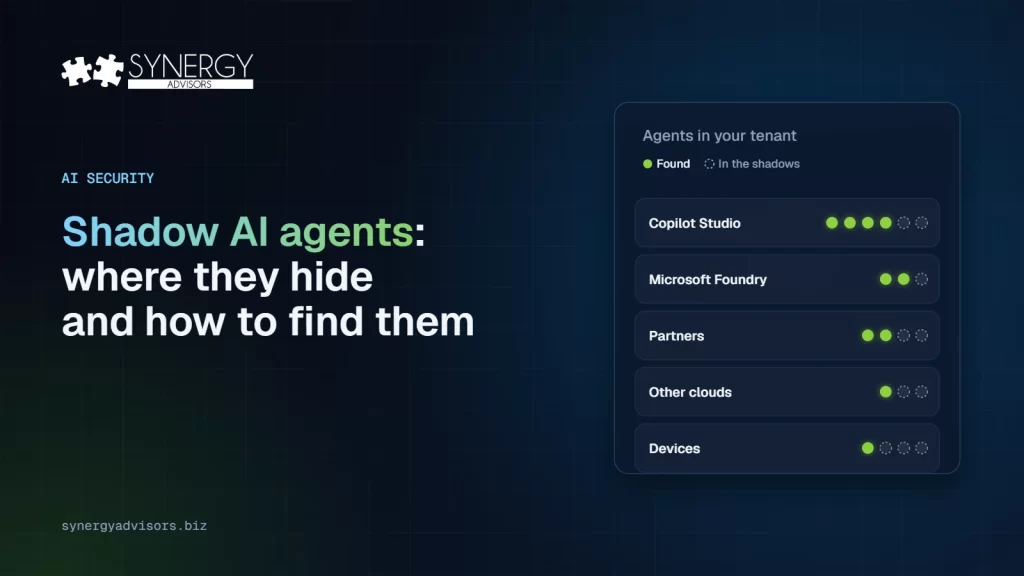

A shadow AI agent is any agent that runs in your organization without IT knowing it exists, who owns it, or what it can reach. In Microsoft 365, they appear in five places: Copilot Studio, Microsoft Foundry, partner apps, other clouds, and employees’ own devices. Microsoft now gives you a way to see each of them and this basic registry is included with every Microsoft Cloud subscription.
Shadow AI used to be limited to employees pasting data into a public chatbot. Agents change the risk: they do not just answer, they act, with access to files, mailboxes, and business systems. This guide shows where they hide, how to find them, and how to bring them into governance.
Why this is a 2026 problem
The pattern started with people. Microsoft’s 2024 Work Trend Index found that 78% of AI users were bringing their own AI tools to work. Now the same habit applies to building agents and the numbers on impact are already in:
- In IBM’s 2025 Cost of a Data Breach study, one in five organizations reported a breach due to shadow AI and high levels of shadow AI added an average of $670,000 USD to breach costs. 63% of breached organizations had no AI governance policy or were still developing one.
- Gartner predicts that by 2030 more than 40% of enterprises will experience security or compliance incidents linked to unauthorized shadow AI.
- The OWASP Top 10 for Agentic Applications lists Identity and Privilege Abuse and Rogue Agents among the top risks. Both are harder to manage when you do not know the agent exists.
Where shadow agents hide and how to find them
| Where the agent comes from | Typical example | How you can find it |
|---|---|---|
| Copilot Studio and Agent Builder | An agent a team built for its own process and shared with colleagues | Agent 365 registry (“Published by your org” and “Shared by creator”) and the Copilot Studio agent inventory, which also lists drafts |
| Microsoft Foundry | A custom agent built by a development team | Published Foundry agents appear in the Agent 365 registry automatically |
| Partner and third-party agents | An agent from a SaaS vendor connected to Microsoft 365 | Agent 365 registry, which includes non-Microsoft agents |
| Other clouds | Agents running on AWS Bedrock or Google Cloud | Agent 365 registry sync (public preview) |
| Employees’ devices | Local AI agents and MCP server configurations installed by technical users | Microsoft Defender local agent discovery and the Local Agents page in the Microsoft 365 admin center (preview) |
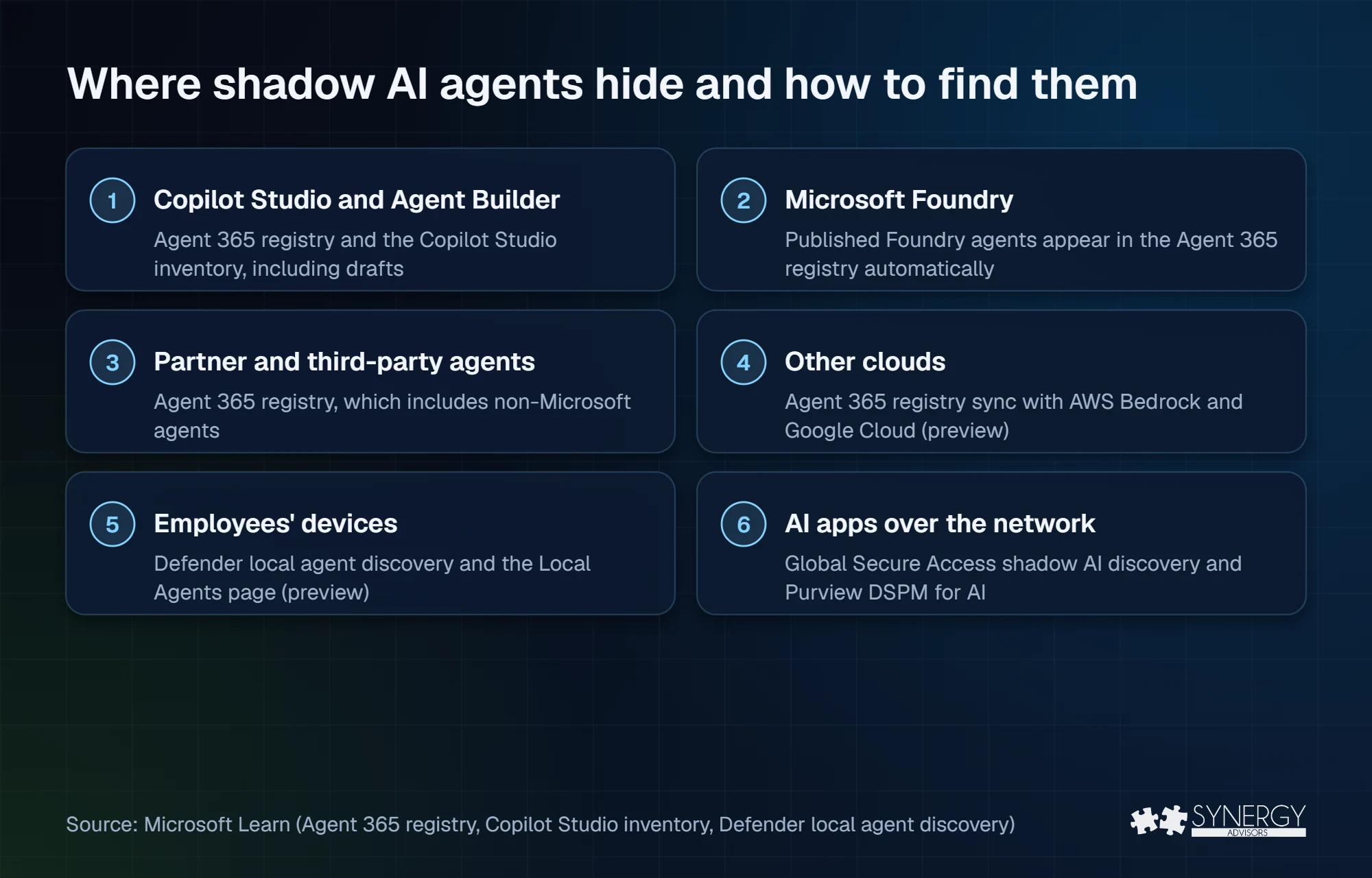
One more layer sits around all five: AI apps reached over the network. Shadow AI discovery in Microsoft Entra Global Secure Access shows traffic to unsanctioned AI apps and model APIs. Microsoft Purview’s data security posture management for AI shows which agents and AI apps touch sensitive data. They do not list agents, but they show where data is going.
The registry also flags two categories worth checking first: ownerless agents and unmanaged agents, those created or managed outside Agent 365.
A 4-step plan to find and govern them
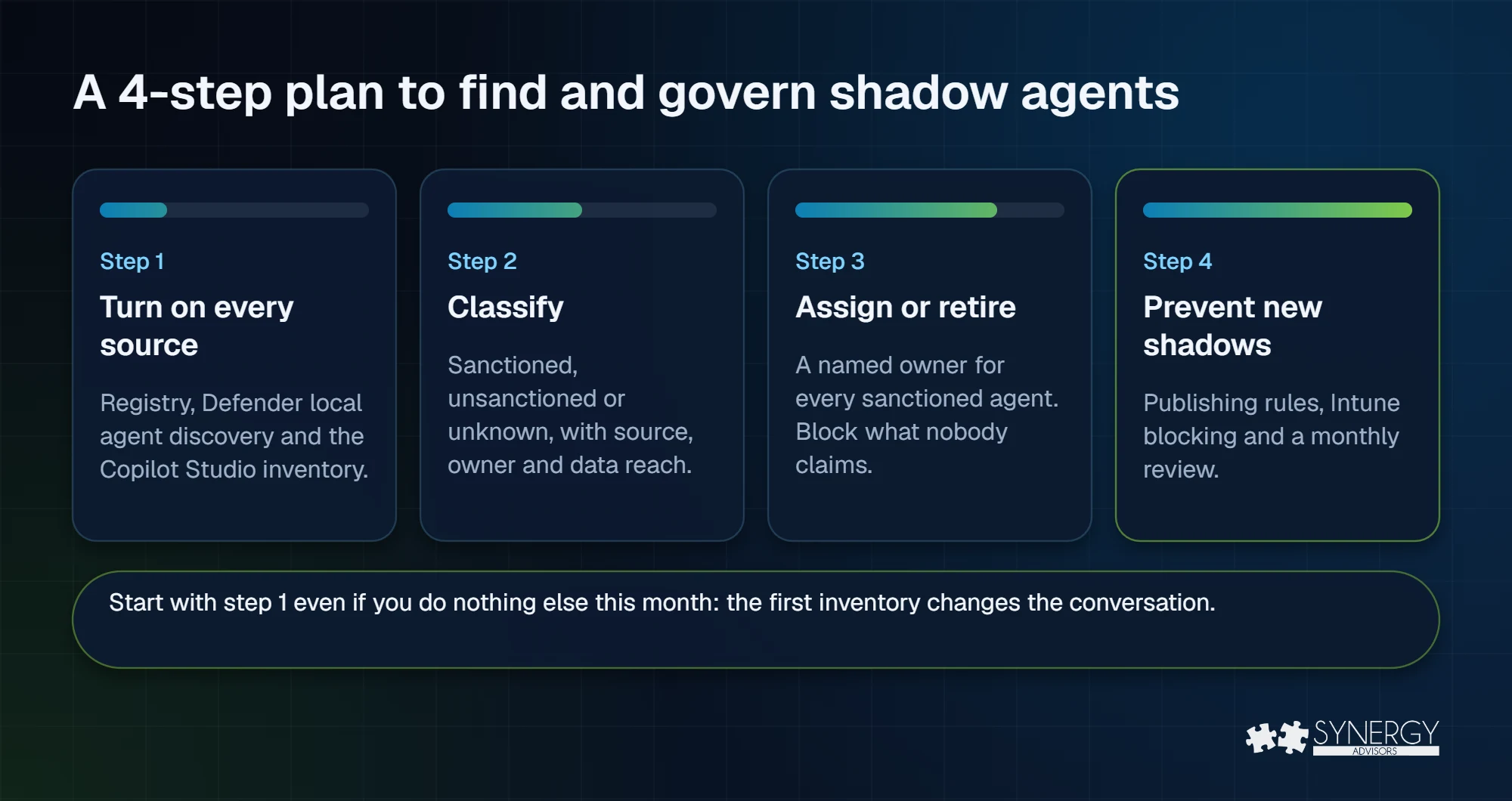
Finding shadow agents is only the first step. Use the following four-part process to consolidate discovery sources, assess each agent’s risk and ownership, retire what is unnecessary, and establish recurring controls that prevent the inventory from becoming outdated.
| Step | What to do | Outcome |
|---|---|---|
| 1. Turn on every source | Review the Agent 365 registry, enable Defender local agent discovery on onboarded devices, and export the Copilot Studio inventory including drafts. | One list instead of five partial ones |
| 2. Classify | Mark each agent as sanctioned, unsanctioned, or unknown, and note its source, owner, and what data it can reach. | A risk-ranked inventory |
| 3. Assign or retire | Give every sanctioned agent a named owner. Block or delete what nobody claims. | No agent without a responsible person |
| 4. Prevent new shadows | Decide who can publish agents, block unsanctioned local agents through Intune, and repeat the review every month. | Discovery becomes a routine, not a project |
Start with step 1 even if you do nothing else this month. Our experts consistently find that the first inventory is the moment the conversation changes: once the list exists, deciding what to keep is fast.
The orphaned agent problem
Microsoft’s own documentation is direct about it: shared agents can become ownerless when you delete the user who created them. The agent keeps running with the access it has and nobody is accountable for it.
There are now tools to fix this. In the Microsoft 365 admin center, administrators can reassign ownership of agents that have no owner, or block and delete them. For Copilot Studio, Microsoft documents a reassign operation for orphaned agents. The step most organizations miss is the process: add “review agents this person owns” to the offboarding checklist, the same way you recover laptops and licenses.
Mistakes to avoid
Avoid the following mistakes when bringing shadow agents under governance, or teams may create new visibility gaps, drive workarounds, and leave sensitive data exposed.
- Looking only at Copilot Studio. It is the most visible source, but not the only one. Local agents on developer laptops are often the least governed.
- Blocking everything. Teams build agents because they need them. Blocking without an approved path just creates the next generation of shadow agents.
- Treating the inventory as a one-off. New agents appear every week. Discovery must be a monthly routine with an owner.
- Ignoring the data. An agent can only expose what it can reach. If files are overshared today, fix data overexposure before scaling agents.
Frequently asked questions
What is the difference between shadow AI and shadow AI agents?
Shadow AI typically refers to using unapproved AI apps, such as Claude or Google Gemini. Shadow agents are a step further: software that acts on its own or on a user’s behalf, with access to organizational data, without IT oversight.
What can I discover without an Agent 365 license?
According to Microsoft’s licensing FAQ, the agent registry, discovery of AI on endpoints, and blocking unsanctioned local agents are included with a Microsoft Cloud subscription. Endpoint discovery still depends on Defender and Intune. Registry sync with other clouds, the Agent Map, and lifecycle governance require a license.
Can I block local AI agents?
Partly. The Local Agents page in the Microsoft 365 admin center can create an Intune policy to block common ways of running supported agents, on Intune-managed Windows devices. The feature is in preview and coverage is still expanding.
Does discovery include agents outside Microsoft?
Yes! Using native capabilities, the registry includes partner agents, and sync with AWS Bedrock and Google Cloud is in public preview. Extend this footprint with the Agent 365 Software Development Kit (SDK) with help from the Synergy Advisors development team.
Next step
Synergy Advisors experts help organizations build their first complete agent inventory and turn it into a governance routine through Agent 365 E-xperiences. Explore Agent 365 E-xperiences or register for our free webinar Agent Visibility on December 1.
Several capabilities in this article are in preview and may change. Last reviewed: October 2026.
Sources
- Agent registry Microsoft Learn
- Agent actions Microsoft Learn
- Copilot Studio agent inventory Microsoft Learn
- Foundry and Agent 365 Microsoft Learn
- Microsoft Agent 365 now generally available (May 1, 2026) Microsoft Security Blog
- Defender local agent discovery Microsoft Learn
- Local Agents Microsoft Learn
- Global Secure Access shadow AI discovery Microsoft Learn
- Reassign an orphaned agent Microsoft Learn
- Microsoft Licensing FAQ 122 Microsoft
- Cost of a Data Breach 2025 (Jul 30, 2025) IBM
- GenAI blind spots CIOs must address (Nov 19, 2025) Gartner
- 2024 Work Trend Index Microsoft
- OWASP Top 10 for Agentic Applications (Dec 9, 2025) OWASP