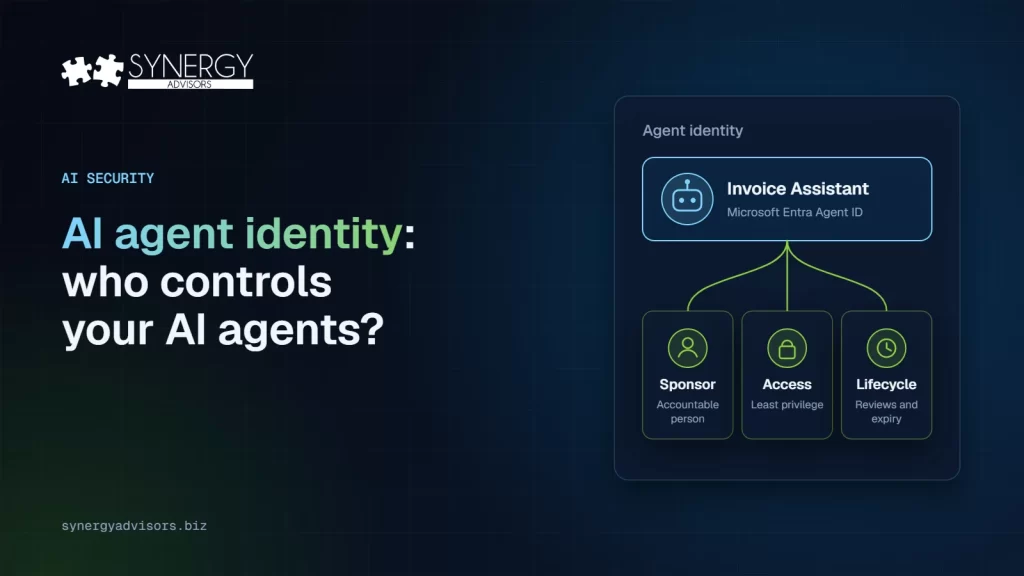

AI agent identity means giving every agent its own identity in your directory, a named person accountable for it, and only the access it needs, so the same access policies, risk detection and lifecycle rules you apply to users also apply to agents. In the Microsoft ecosystem this is Microsoft Entra Agent ID, generally available since April 2026 for all Microsoft Entra customers. Since May 2026, every new Copilot Studio agent gets one automatically.
The question used to be “which agents do we have?” Once you can see the agents, the next question is more difficult: who answers for each agent, what is it allowed to do, and can you prove it to an auditor? This guide explains how agent identity works, the controls it unlocks, and their real limits.
Why agents need their own identity
Non-human identities already outnumber people by far. CyberArk’s 2025 Identity Security Landscape found 82 machine identities for every human in organizations worldwide, and 68% of respondents said their organizations lack identity security controls for AI. Agents are the fastest-growing part of that population and they act on their own.
The OWASP Top 10 for Agentic Applications ranks Identity and Privilege Abuse among the top three risks and warns that an agent without its own governed identity leaves an attribution gap: when something goes wrong, nobody can say which agent did it or on whose authority. Standards bodies are moving too: in February 2026, NIST’s National Cybersecurity Center of Excellence published a concept paper on identity and authorization for software and AI agents.
The building blocks, in plain language
Agent identity governance depends on several connected roles and identity objects. The table below explains each building block in practical terms and shows how it supports accountability, access control, and lifecycle management, based on Microsoft’s documentation of agent identities and owners, sponsors and managers.
| Concept | What it is | Why it matters |
|---|---|---|
| Agent identity | A special type of identity in Microsoft Entra for a single agent. It has no credentials of its own. | Policies, logs, and reviews can point at the agent, not at a shared app or a person |
| Agent identity blueprint | The reusable template agent identities are created from | Disabling a blueprint instantly blocks every agent created from it: a real kill switch |
| Agent’s user account | A user account marked as an AI agent, linked one-to-one with an agent identity, for agents that need to work like a colleague | Allows an agent to take part in systems built for users while staying identifiable as an agent |
| Sponsor | The business person accountable for the agent’s purpose and lifecycle. At least one is required. | Someone always answers for the agent |
| Owner | The technical administrator who runs it | Operations have a clear contact |
| Manager | Can request access for the agents that report to them | Access requests follow a normal approval path |
Delegated or autonomous: the decision that sets the risk
Microsoft describes two ways an agent can work, and the difference is the single biggest factor in how much damage a compromised agent can do.
Delegated means the agent operates on behalf of a signed-in user and is limited by that user’s permissions and access context. Autonomous means the agent operates without a user actively present, using its own identity and application permissions to access resources and complete tasks. Because autonomous access can be broader, persistent, and potentially tenant-wide, it should come with stronger justification, tighter least-privilege controls, and regular review.
| Delegated (on behalf of a user) | Autonomous (its own identity) | |
|---|---|---|
| Who is present | A signed-in user | No user |
| What it can reach | Only the signed-in user’s data | Application permissions, which can be tenant-wide |
| Main risk | Overshared data the user can already see | Broad standing access no one reviews |
| Default choice | Yes, whenever it is enough | Only when the job truly needs it |
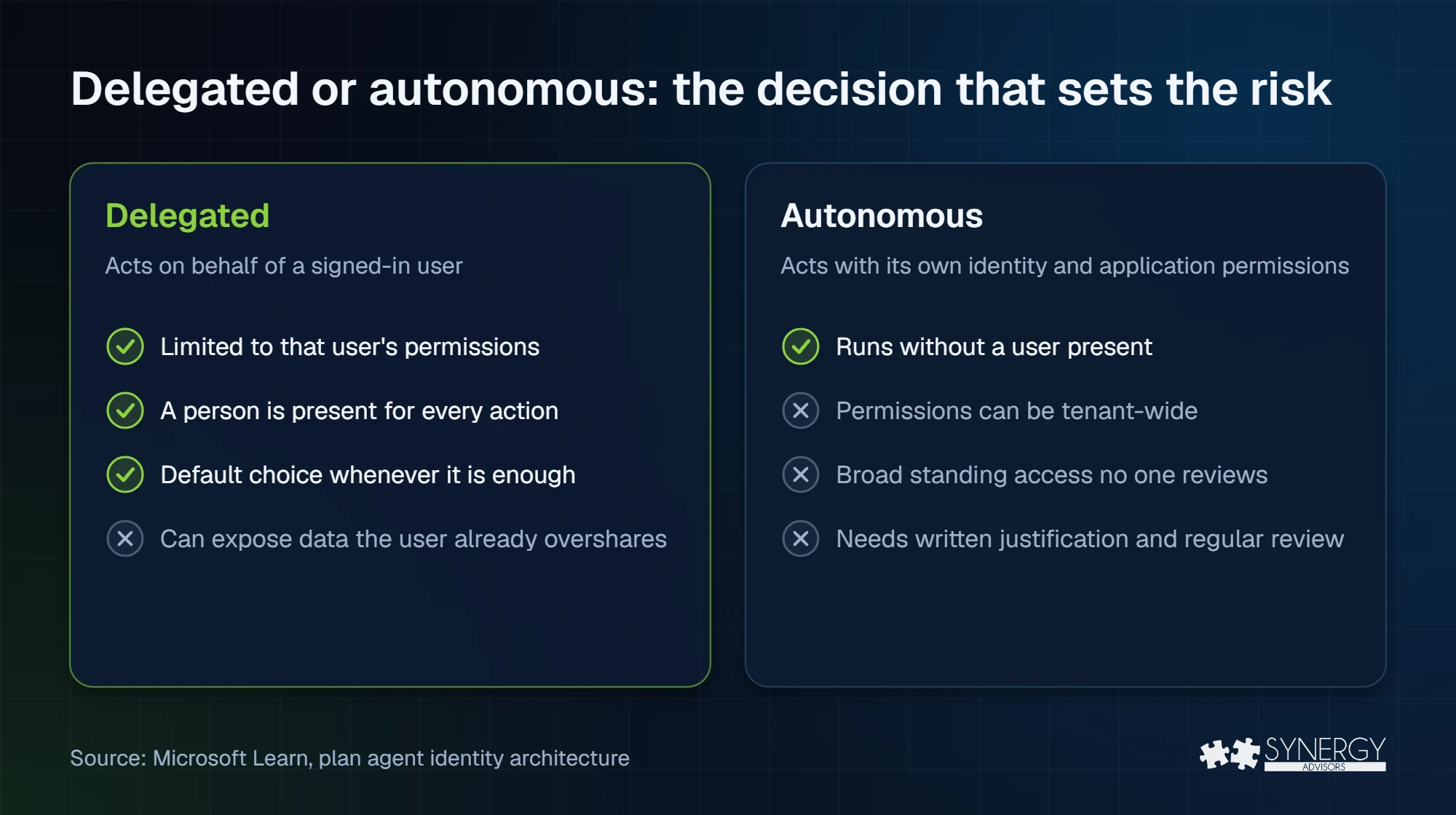
Microsoft’s best practice, which our experts apply as well, is direct: avoid granting application permissions when delegated permissions would suffice. Conditional Access even offers separate policy templates for each case.
The controls an identity unlocks, and their limits
Microsoft provides controls across Entra and Agent 365 to govern how agents receive identities, gain access, and operate over time. Organizations can use these controls to enforce least privilege, identify risky behavior, approve and expire access, and keep a responsible person accountable for each agent. Some capabilities are licensed separately or remain in preview at the time of this writing, so the controls available should be validated against your organization’s subscriptions and deployment requirements.
- Conditional Access for agents. Policies can target agent identities, blueprints, and agents’ user accounts, and then act on agent risk. Two limits to know: an agent that reaches a resource with an API key bypasses Conditional Access, and policies scoped through the general “Users” assignment do not apply to agents’ user accounts. Extending Conditional Access to agents’ user accounts is still in preview. If you are new to the topic, start with Conditional Access authentication strengths.
- ID Protection for agents. Microsoft lists detections such as sign-in spikes, unfamiliar resource access, and suspicious credential use. Today these detections run offline, so they support investigation rather than real-time blocking.
- Access packages. Access can be requested by the agent itself, by its sponsor, or assigned by an administrator, for delegated and autonomous agents alike, with approvals and expiry.
- Lifecycle. When a sponsor leaves, sponsorship automatically moves to their manager, so no agent is left without someone accountable.
- Access reviews. Microsoft recommends that sponsors confirm every 6 to 12 months that each agent is still needed.
What is free and what needs a license
Agent identity and the agent registry are included with every Microsoft Cloud subscription. Identity governance for agents, lifecycle management, and Conditional Access and ID Protection for agents require Microsoft Agent 365, licensed per user (or Microsoft 365 E7). Conditional Access for agents also needs at least Entra ID P1 or Microsoft 365 E3.
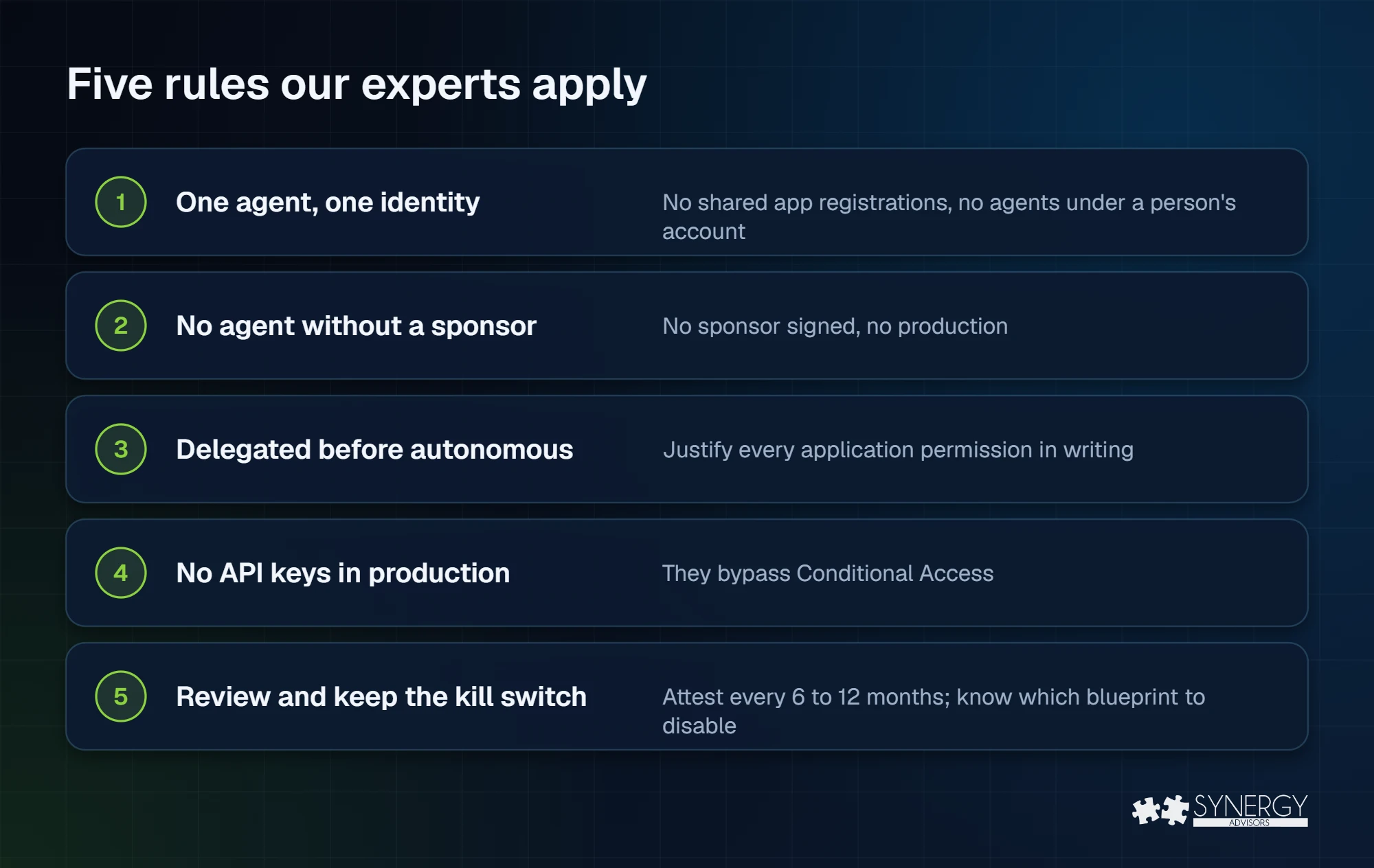
Five rules our experts apply
Every organization has their own unique requirements and environment, but these rules typically apply across almost all scenarios:
- One agent, one identity. No shared app registrations across agents and no agents running under a person’s account.
- No agent without a sponsor. If nobody will sign as sponsor, the agent does not go to production.
- Delegated before autonomous. Start with on-behalf-of access; justify every application permission in writing.
- No API keys for production agents. They bypass Conditional Access; use the agent’s identity instead.
- Review and keep the kill switch ready. Sponsor attestations every 6 to 12 months and know which blueprint to disable if an agent family misbehaves.
Frequently asked questions
Is Microsoft Entra Agent ID generally available?
Yes. Microsoft announced general availability of the Entra Agent ID platform in April 2026 and it is available to all Microsoft Entra customers.
Do Copilot Studio agents get an identity automatically?
New agents created since May 2026 do, with no opt-out. Older agents still use app registrations and Microsoft plans to migrate them.
What happens when an agent’s sponsor leaves the company?
Sponsorship transfers automatically to the sponsor’s manager through a lifecycle workflow.
Does Conditional Access apply to agents?
Yes, to agent identities, blueprints, and agents’ user accounts, with the limits described previously in this article: API-key access bypasses it and the agent user extension is still in preview.
Next step
The Synergy Advisors experts help organizations give every agent an identity, a sponsor, and the right access, as part of Agent 365 E-xperiences. Explore Agent 365 E-xperiences or register for our free webinar Agent Identity on December 3.
Sources
- What is Microsoft Entra Agent ID Microsoft Learn
- What’s new in Microsoft Entra Microsoft Learn
- Agent identities Microsoft Learn
- Owners, sponsors and managers of agents Microsoft Learn
- Copilot Studio and Microsoft Entra Agent ID Microsoft Learn
- Plan your agent identity architecture Microsoft Learn
- Conditional Access for Agent ID Microsoft Learn
- Risky agents in ID Protection Microsoft Learn
- Agent ID governance overview Microsoft Learn
- Agent ID best practices Microsoft Learn
- Microsoft Licensing FAQ 122 Microsoft
- Machine identities outnumber humans by more than 80 to 1 (April 23, 2025) CyberArk
- OWASP Top 10 for Agentic Applications 2026 OWASP
- New concept paper on identity and authority of software agents (February 5, 2026) NIST NCCoE