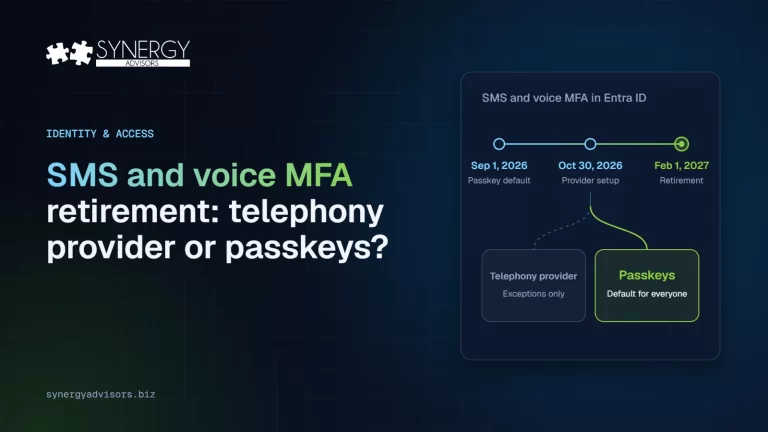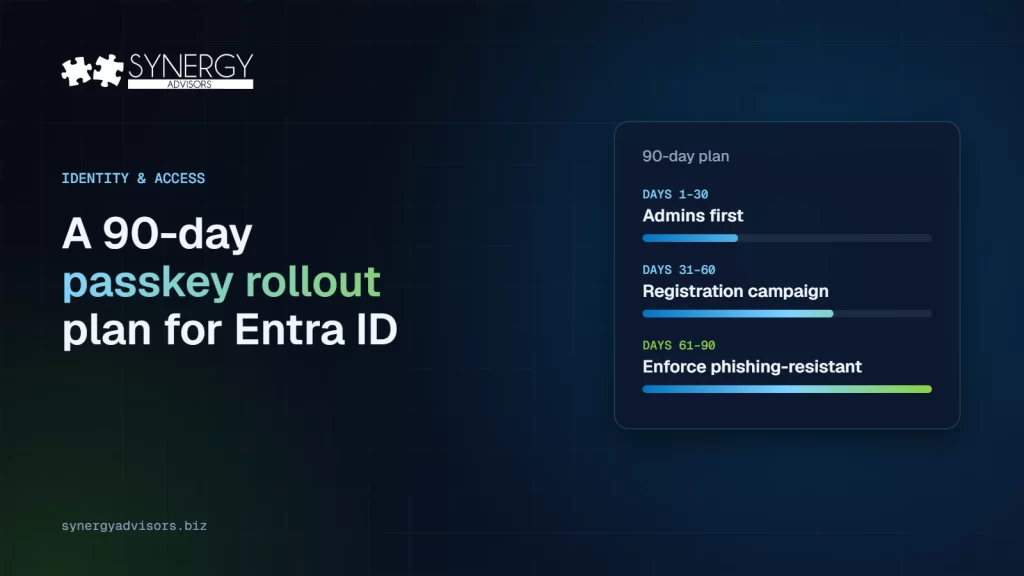

A passkey rollout in Microsoft Entra ID works best in three phases: administrators first, then a registration campaign for everyone else, then enforcement through Conditional Access with a phishing-resistant authentication strength. Registration and passwordless sign-in do not require a license, although Microsoft recommends at least Entra ID P1. With passkeys on by default since September 1, 2026 and SMS and voice codes retiring on February 1, 2027, the question is no longer whether to deploy, but how to do it without flooding the help desk.
This plan follows Microsoft’s own deployment guidance and adds what our identity experts see in real rollouts. If you are still deciding between a telephony provider and passkeys, start with our guide to the SMS and voice retirement.
Why passkey rollouts stall
Most organizations have started. The FIDO Alliance’s 2026 enterprise survey found that 68% are deploying or have deployed passkeys, but only 28% are fully passwordless and 57% still rely on phishable methods. The gap between starting and finishing usually comes from three places:
- The first credential is not portable. Microsoft is explicit that each user’s first passwordless credential should be portable. A user who only has Windows Hello on one laptop is stuck the moment they use another device.
- There is no recovery plan. Phones get lost. Without a defined path to recover, users fall back to whatever weak method is still allowed.
- The pace ignores the help desk. Microsoft’s guidance is intuitive: as ticket volume increases, slow down. Rollouts that push every group in the same week create the backlash that stops them.
Use personas to guide the credential
Microsoft’s planning guide groups users by persona. The right first passkey depends on who they are and which devices they use.
| Persona | Recommended first credential | Why |
|---|---|---|
| Administrators and IT | FIDO2 security key or device-bound passkey in Microsoft Authenticator, with attestation | Highest-value accounts; you want to know exactly what the credential is |
| Information workers | Passkey in Microsoft Authenticator or a synced passkey, then Windows Hello for Business or platform credential on managed devices | Portable first, then fast daily sign-in |
| Frontline workers | Synced passkey or FIDO2 security key | Microsoft points out device limits in retail and manufacturing and recommends synced passkeys for this group |
| Highly regulated users | Portable, offline credentials such as smart cards or security keys | Regulatory requirements may rule out phones |
One decision affects all of them: attestation. Synced passkeys do not support attestation, and Microsoft notes that without enforcing it, Entra cannot guarantee any attribute of a passkey, including whether it is synced or device-bound. Many organizations use passkey profiles (up to three per tenant) to require attestation for administrators while allowing synced passkeys for everyone else.
The admin side: what to configure, in order
- Manage methods in the Authentication methods policy. Since September 30, 2025, methods can no longer be managed in the legacy MFA and SSPR policies.
- Create passkey profiles for each persona and decide on attestation.
- Create a Conditional Access policy in report-only mode that requires the phishing-resistant authentication strength. Microsoft recommends doing it before the enrollment campaign starts, so you can see who would be blocked. Our article on authentication strengths explains how.
- Set up Temporary Access Pass to bootstrap new users and recover lost credentials. By default it lasts one hour and can be configured from 10 minutes to 30 days. Microsoft documents every setting in its Temporary Access Pass guide.
- Prepare reporting. The authentication methods activity report shows who is passwordless-capable. It requires P1 or P2 and data can lag by up to 36 hours.
The user side: make registration easy and recovery certain
- Start with a portable passkey. Ask users to register a passkey in Microsoft Authenticator or a synced passkey first; add Windows Hello for Business afterwards.
- Use the registration campaign. Entra can nudge users to set up a passkey at sign-in. When Microsoft manages the campaign, passkey nudges appear once a day and users can snooze them without limit. If you turn it on yourself, you can limit snoozes to three and set the interval from 0 to 14 days.
- Two methods per user. Microsoft recommends at least two registered methods so a lost phone is an inconvenience, not a lockout.
- A recovery path everyone knows. Identity verification by the help desk, then a Temporary Access Pass to register a new passkey.
- Communicate before the prompt appears. A two-line message from IT the week before (“you will see this screen, here is why, it takes a minute”) prevents most tickets.
The 90-day plan
| Days | Focus | Key actions | Done when |
|---|---|---|---|
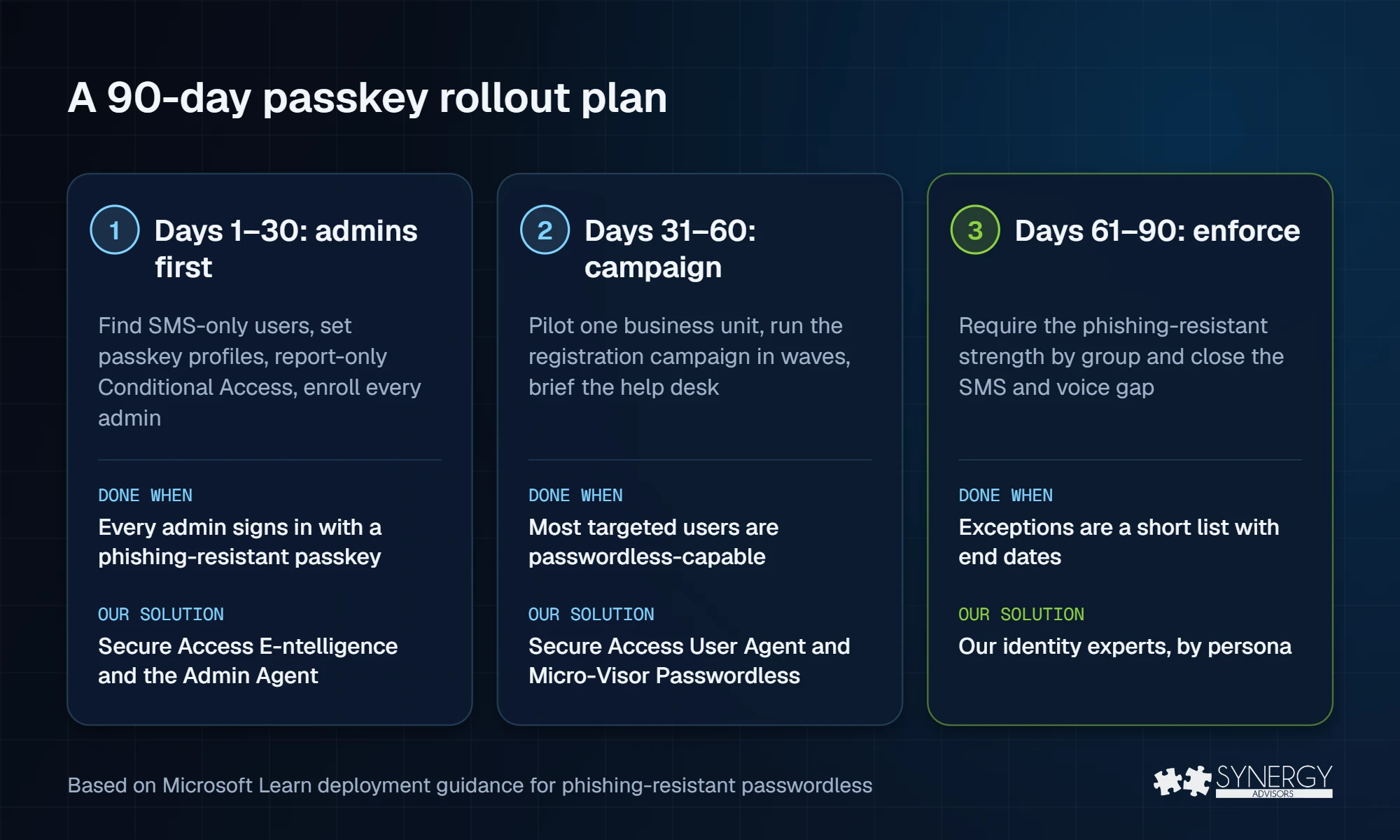
| 1–30 | Prepare and start with admins | Find SMS-only users, configure methods and passkey profiles, create the report-only Conditional Access policy, define the Temporary Access Pass process, enroll all administrators | Every admin signs in with a phishing-resistant passkey |
| 31–60 | Pilot and campaign | Pilot with one business unit, launch the registration campaign by waves, brief the help desk, track the registration report weekly and slow down if tickets rise | Most targeted users are passwordless-capable |
| 61–90 | Enforce | Enforce the phishing-resistant strength for admins, then by group; document exceptions with an end date; close the SMS and voice gap before February 1, 2027 | Phishing-resistant sign-in is the rule, exceptions are a short list |
How our Secure Access solutions map to the plan
The hardest part of a passkey rollout is not configuration; it is knowing where to start and getting thousands of people to act. Each phase of the plan has a Synergy Advisors solution behind it:
| Phase | What slows it down | Our solution |
|---|---|---|
| Days 1–30 | Not knowing who still depends on SMS or voice | Secure Access E-ntelligence measures your tenant on evidence: who is ready for February 1, 2027 and who is not. The Secure Access Admin Agent answers the same questions in plain language, any day |
| Days 31–60 | Users who ignore emails or mistake them for phishing | The Secure Access User Agent runs the passkey campaign inside Microsoft Teams and Micro-Visor Passwordless helps administrators fix methods for many users at once |
| Days 61–90 | Exceptions with no end date | Our identity experts review exceptions and Conditional Access by persona with you |
See both agents in action: watch the Secure Access Admin Agent briefing (1:13) and the Secure Access User Agent briefing (1:11).
Frequently asked questions
Do we need a license to deploy passkeys in Entra ID?
No. Registration and passwordless sign-in work in all editions, including Entra ID Free. Microsoft recommends at least P1 for Conditional Access and reporting.
Synced or device-bound passkeys?
Device-bound passkeys stay on one device or security key and support attestation; synced passkeys are easier to recover across devices but do not support attestation. Many organizations require device-bound for admins and allow synced for everyone else.
What happens if a user loses their phone?
If they have a second method, they use it. If not, the help desk verifies their identity and issues a Temporary Access Pass so they can register a new passkey.
Can frontline workers without a company phone use passkeys?
Yes, with a synced passkey on a personal device if your policy allows it, or with a FIDO2 security key.
Next step
The Synergy Advisors identity experts can turn this plan into your plan, with your users, devices and exceptions. Request a no-cost Passwordless Readiness review, see the Admin Agent in action or join the Identity Protection Accelerator webinar on November 4.
Sources
- Deploy phishing-resistant passwordless authentication Microsoft Learn
- FIDO Alliance passkey adoption report, World Passkey Day 2026 FIDO Alliance
- Configure Temporary Access Pass Microsoft Learn