
An AI agent is software that uses an AI model to pursue a goal on its own: it understands a request, plans the steps, uses tools and data to act, and returns for human direction only when it needs it. An AI assistant, by contrast, answers when you ask and waits for your next prompt. Microsoft describes the change in its own products as the move “from synchronous chat assistants to asynchronous agents that can complete complex, long-running tasks,” in the words of Chairman and CEO Satya Nadella.
This article explains the difference, what an agent is made of, where you already meet agents in Microsoft 365, and what changes for security when software starts acting on your behalf.
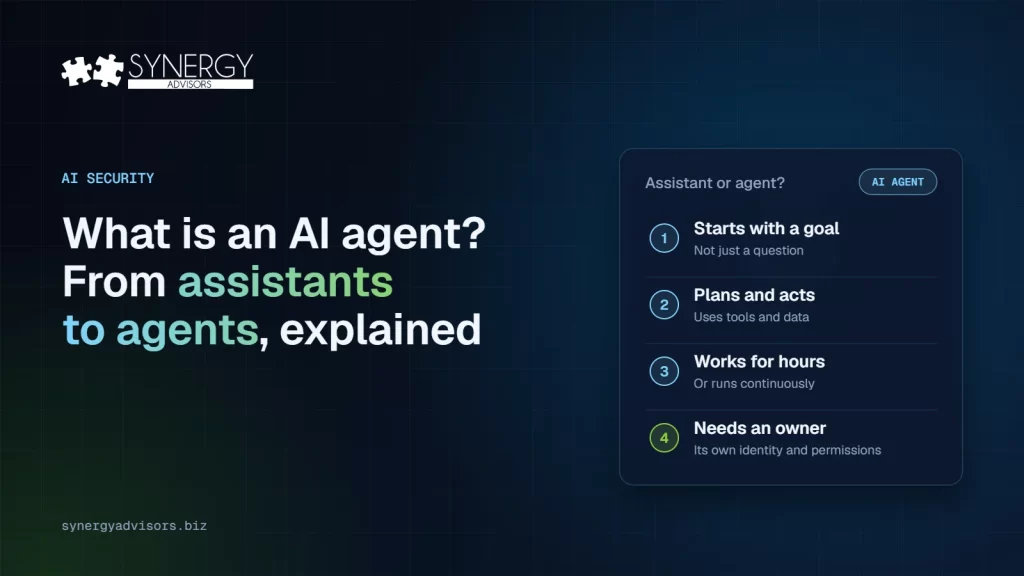
Assistant or agent?
| AI assistant | AI agent | |
|---|---|---|
| How it starts | You ask a question | You give it a goal or an event triggers it |
| What it does | Answers, drafts, or summarizes | Plans, takes actions, and completes tasks |
| How long it works | One turn at a time | Minutes, hours, or continuously |
| What it can touch | Usually what you show it | Data, tools, and systems it has been given access to |
| Who is accountable | The person using it | Its owner, who must define what it may do |
Microsoft’s own training material puts it this way: “Agents take Copilot beyond assistance into orchestration,” and “Agents exist on a spectrum, from simple prompt-and-response to fully autonomous” (Microsoft Learn).
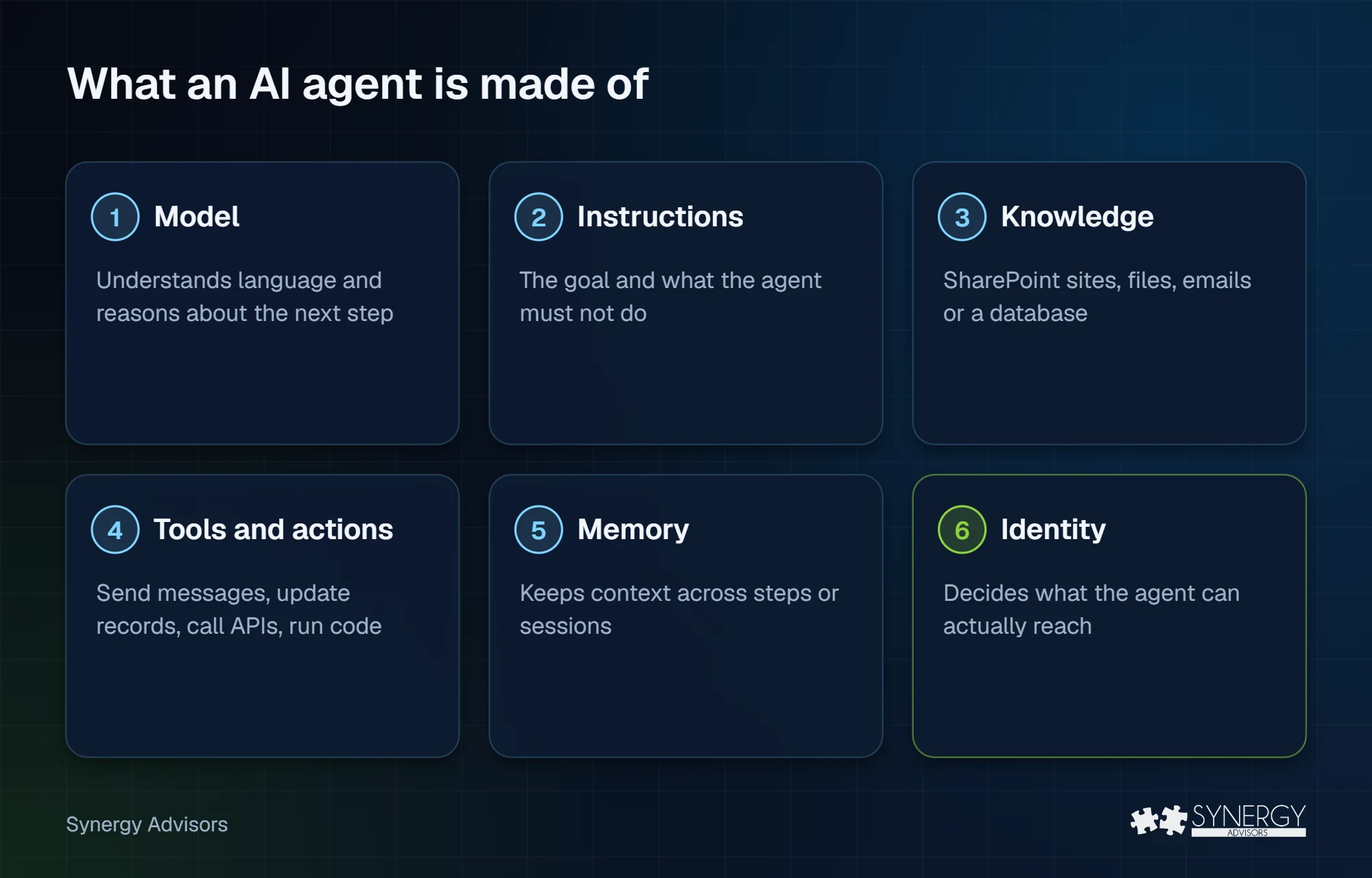
What an agent is made of
Every agent, simple or autonomous, combines the same parts:
- A model that understands language and reasons about the next step. Nadella describes a system where the model is interchangeable and separate from “the harness,” the context, memory and actions around it, in his letter to shareholders.
- Instructions and a goal that say what the agent is for and what it must not do.
- Knowledge it can read, such as SharePoint sites, files, emails, or a database.
- Tools and actions it can use: sending messages, updating records, calling APIs, or running code.
- Memory that lets it keep context across steps or sessions.
- An identity and permissions that decide what it can actually reach. This is the part security teams must own.
Where you already meet agents
- Microsoft 365 Copilot agents, such as Researcher and Analyst, that work through a multi-step task and return a result.
- Custom agents built with Copilot Studio by business teams, often without IT involvement.
- Agents on employees’ devices, such as coding agents like GitHub Copilot, Claude Code, or OpenAI Codex. Microsoft Defender can now discover 60 types of local agents.
- Autonomous agents in business processes, for example in Dynamics 365, that run a process end-to-end within human-set guardrails.
Most organizations already have more agents than they think. Our guide to shadow AI agents shows where they hide.
What changes for security
When software acts on your behalf, the questions change from “what did the user ask?” to “what did the agent do and was it allowed to?” Four areas matter most:
| Area | The risk | What good looks like |
|---|---|---|
| Visibility | Agents nobody knows about | Every agent in one inventory, with an owner |
| Identity | Agents that borrow a person’s access | Each agent has its own identity and least-privilege permissions |
| Data | Agents that reach overshared files | Sensitive data is labeled and protected before agents are switched on |
| Behavior | Agents that are manipulated or make mistakes | Monitoring and risk signals that reach the SOC |
Microsoft now calls this risk the agentic insider: trusted software inside your organization that can make mistakes, be manipulated, or be compromised. The same theme will run through the security track of Microsoft Ignite, November 17 to 20 in San Francisco, where Lindsay Myers, Corporate Vice President for Security Marketing, says “every adoption decision is a trust decision.”
How our experts help
Synergy Advisors experts help organizations adopt agents with confidence:
- Agent 365 E-xperiences: guided scenarios in your own tenant to discover your agents, give each one an identity and an owner, and apply the first controls. Start with What is Microsoft Agent 365?
- E-gents: our own agents for security and identity teams, a practical example of agents with a clear purpose, owner, and permissions.
- Our Agent 365 webinar series, starting with Beyond the Agent on November 10 and Agent Identity on December 3.
Frequently asked questions
Is Microsoft 365 Copilot an assistant or an agent?
Both. Copilot Chat works as an assistant, and Copilot also runs agents, such as Researcher and Analyst, and custom agents built in Copilot Studio that complete multi-step tasks.
Do AI agents act without people?
Some do. Microsoft describes a spectrum from simple prompt-and-response agents to fully autonomous ones that run processes within human-set guardrails. The more autonomous the agent, the more its permissions and monitoring matter.
Does every agent need its own identity?
Our experts recommend it. An agent that borrows a person’s access cannot be audited, limited, or switched off on its own. Microsoft Entra Agent ID gives agents their own identity.
Where should we start?
With an inventory. List the agents you have, including those on employees’ devices, and give each one an owner.
Next step
Synergy Advisors experts can show you which agents already work in your organization and how to govern them. Explore Agent 365 E-xperiences or join the Beyond the Agent webinar on November 10.
Sources
- Explore Copilot agents at work Microsoft Learn
- Microsoft 2026 Annual Report: letter to shareholders Microsoft
- Secure what's next: your guide to Microsoft Security at Microsoft Ignite 2026 (Sep 30, 2026) Microsoft Security Blog