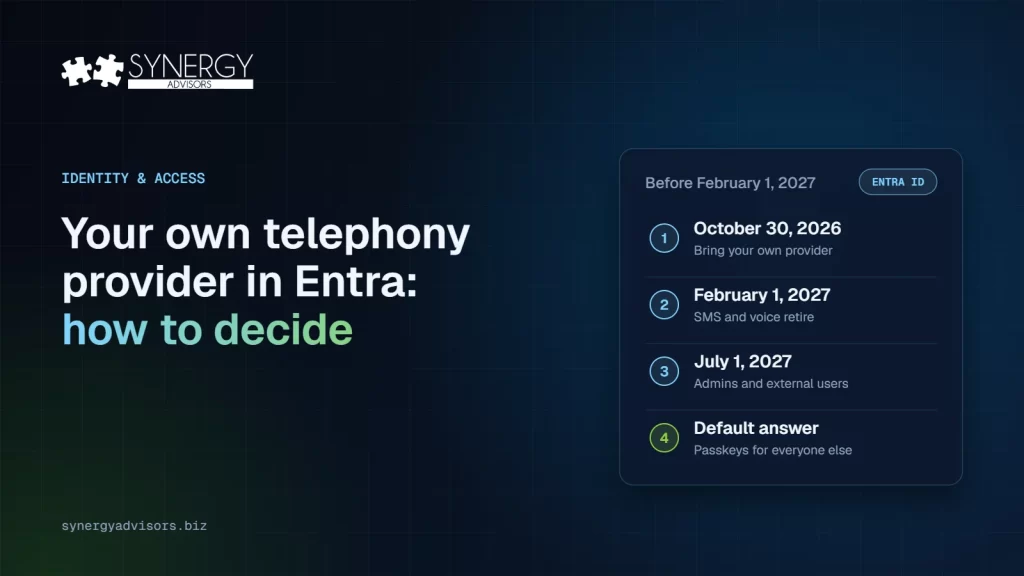

Starting October 30, 2026, Microsoft Entra ID lets organizations keep SMS and voice authentication after February 1, 2027 by connecting their own telephony provider, chosen through the Microsoft Security Store. Microsoft’s own recommendation has not changed: use a provider only for users with a documented business, regulatory, or technical need, and move everyone else to phishing-resistant methods such as passkeys. The decision you make in the next weeks sets your cost, your risk, and your help desk workload for 2027.
This article explains what opens on October 30, the dates that still apply, and a simple way to decide who, if anyone, should stay on SMS or voice.
What opens on October 30
Microsoft announced in its message center (MC1519855, October 21) that Choose Your Own Telephony Provider becomes generally available worldwide on October 30, 2026. The Microsoft Learn page describes how it works:
- You pick the provider. You select a supported telephony provider in the Microsoft Security Store and manage the commercial relationship directly. During the preview, Microsoft initially listed Soprano and Telesign as providers, and more will be added over time.
- The provider delivers the code. The provider sends the SMS messages or voice calls, while Microsoft Entra ID keeps enforcing your authentication methods policy.
- You own the service. Your organization is responsible for coverage, terms, configuration, and monitoring.
- There is a cost. Buying through the Security Store requires an Azure billing subscription, a resource group, the right Azure role, and you pay the provider’s price plus Azure infrastructure charges. Microsoft publishes a cost calculator so you can estimate the expense of this option.
The dates that still apply
| Date | What happens |
|---|---|
| October 30, 2026 | Choose Your Own Telephony Provider can be configured |
| February 1, 2027 | Microsoft-provided SMS and voice authentication retires for most users, including internal guests |
| July 1, 2027 | Retirement for Global Administrators and external users |
After the retirement date, users whose only method is SMS or voice must register a passkey at sign-in, unless your organization has configured a provider. Microsoft describes that prompt as blocking. Our article on the SMS and voice retirement covers the background and both options in detail.
Who should stay on SMS or voice?
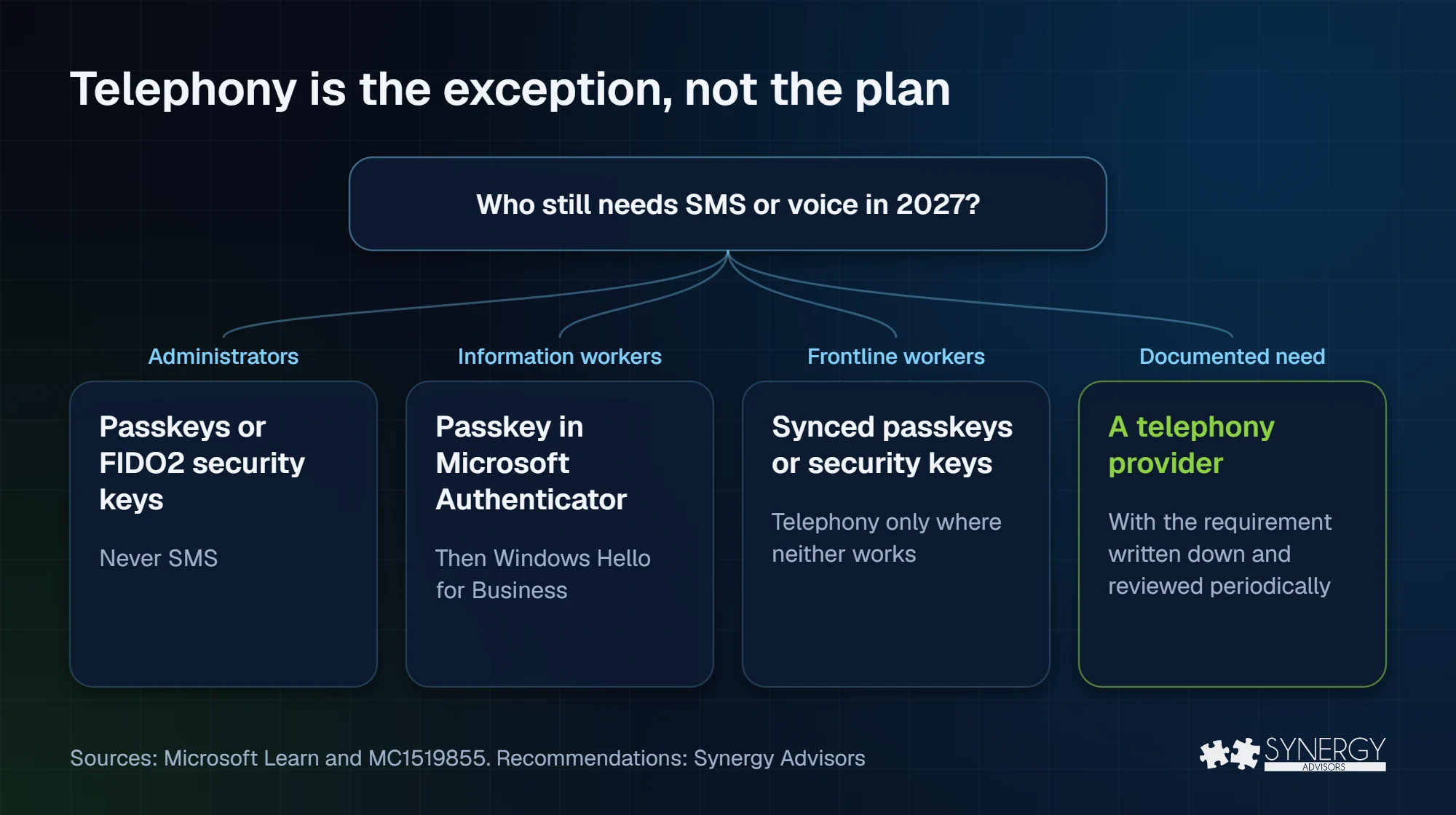
Microsoft’s guidance is clear: telephony is the exception, not the plan. We recommend every user adopt a strong authentication method, unless there is a compelling legal or business reason not to. This is how our experts sort users:
| User group | Typical situation | Our recommendation |
|---|---|---|
| Administrators | Highest-value accounts, often targeted first | Passkeys or FIDO2 security keys; never SMS |
| Information workers | Managed laptop and smartphone | Passkey in Microsoft Authenticator, then Windows Hello for Business |
| Frontline workers | Shared devices or no organizational device | Synced passkeys or security keys first; telephony only where neither works |
| Regulated or special cases | A documented regulatory, contractual, or technical requirement | A telephony provider, with the requirement written down and reviewed periodically |
The test is simple: if you cannot write down why a user needs SMS or voice, that user should move to a passkey. Even for those users who require SMS or voice, periodically review whether this exception is still relevant or if you can finally retire SMS and voice once and for all.
A six-step decision checklist
Microsoft’s message center lists the steps to prepare for this change. We have added guidance from our identity architects on what we are seeing in the field:
- Identify users who need SMS or voice, with concrete evidence of who still uses it today, not assumptions.
- Confirm that phishing-resistant methods do not meet their needs. Most “we need SMS” cases disappear when someone tests a synced passkey or a security key. Microsoft supports multiple phishing-resistant methods; review each of them against each user population.
- Compare providers on coverage, delivery channels, pricing, support, security, and compliance.
- Involve procurement, privacy, and regulatory teams early. A new provider processes your users’ phone numbers.
- Plan the transition by group, using the February 1 and July 1, 2027 dates.
- Estimate the full cost: include provider pricing, Azure charges, and the time to operate and monitor the service when evaluating the solution.
Common mistakes
- Keeping SMS for everyone “to be safe.” It keeps the weakest method in place and adds a new bill. AI-driven password spraying, like the Storm-0940 campaign, targets exactly these accounts.
- Deciding without data. Without a report of who actually uses SMS or voice, the exception list grows by default.
- Forgetting recovery. Users who lose their phone need a defined path. A Temporary Access Pass enables the help desk to get them back to a passkey quickly.
- Waiting for January. Registration campaigns, pilots, and help desk preparation take weeks. Our 90-day passkey rollout plan starts now and ends before February 1.
How our experts help
- Secure Access E-ntelligence shows, with evidence from your tenant, who still depends on SMS or voice, so the exception list is based on data.
- The Secure Access Admin Agent answers the same questions in plain language, any day, inside Microsoft Teams.
- The Secure Access User Agent and Micro-Visor Passwordless guide each employee to register a passkey and help administrators fix methods for many users at once.
- A no-cost Passwordless Readiness review in which our identity experts help you decide who moves to passkeys and who, if anyone, needs a telephony provider.
Frequently asked questions
Do we need a telephony provider?
Only if some users have a documented need for SMS or voice after February 1, 2027. Microsoft recommends passkeys for everyone else.
Which providers are available?
You choose from the providers listed in the Microsoft Security Store. As of this writing, Microsoft lists Soprano and Telesign with more to be added.
What does it cost?
The provider’s price plus Azure infrastructure charges. Microsoft publishes a cost calculator and prices are listed in the Security Store.
What happens if we do nothing?
After February 1, 2027, users whose only method is SMS or voice will be asked to register a passkey at sign-in, and the prompt is blocking. Global Administrators and external users follow on July 1, 2027.
Next step
Synergy Advisors identity experts can tell you, with data from your tenant, who needs a telephony provider and who should move to passkeys. Request your no-cost Passwordless Readiness review or join the Identity Protection Accelerator webinar on November 4.
Sources
- MC1519855: Choose Your Own Telephony Provider generally available (Oct 21, 2026) Microsoft 365 message center
- Telephony providers for Microsoft Entra ID Microsoft Learn
- External phone provider cost calculator Microsoft (GitHub)