
Microsoft is bringing Copilot oversharing controls into the Microsoft 365 admin center: according to its roadmap (RM559617), admins will be able to review oversharing risks and start remediation, check how many sensitive Copilot interactions are protected, and turn on Purview data loss prevention for Microsoft 365 Copilot from the same console they use every day. The roadmap lists general availability for September 2026; at the time of writing, the item was still marked “In development”. Whatever the date, the message is clear: oversharing is now an everyday admin task, not a specialist project.
This article explains why oversharing matters more with Copilot, what to fix first, and a 30-day plan our experts use to get a tenant ready.
Why Copilot turns old sharing habits into a new risk
Copilot does not break permissions. It returns content the user is already allowed to see. The problem is that most tenants allow users to see far more than they should: a site shared with the whole organization years ago, an “Anyone” link that never expired, a team site whose owner left. Before Copilot, finding that content took effort. Now, a single question can surface it.
People are already worried. In an O’Reilly survey of 209 security professionals published in late October, 49% named data leakage through commercial AI tools as a concern, and more than half said colleagues put sensitive information into unapproved AI tools at least occasionally. Getting Microsoft 365 Copilot right is part of the answer: a sanctioned tool with the right guardrails gives people a safe alternative.
What Microsoft already provides
You do not need to wait for the admin center experience to start. These capabilities are documented today:
| Capability | What it does for oversharing |
|---|---|
| Data risk assessments in Purview DSPM for AI | A default weekly assessment surfaces the recommendation “Protect your data from potential oversharing risks”; custom assessments can focus on sensitive data in Copilot and agent responses |
| DLP for “Microsoft 365 Copilot and Copilot Chat” | Restricts processing of prompts that contain sensitive information types, and of files and emails with specific sensitivity labels |
| Sensitivity labels | Copilot honors label encryption and usage rights, and new content created with Copilot inherits the source label |
| SharePoint Advanced Management | Data access governance reports (permission state, sharing links activity, “Everyone except external users” insights, label snapshot), restricted content discovery, restricted access control, site access reviews and agent access monitoring |
Microsoft’s oversharing blueprint organizes the work in three parts (remediate oversharing, set up guardrails, and meet regulations) and notes that SharePoint Advanced Management, which helps administrators control content sprawl, content lifecycle, permissions, and oversharing, is included with the Microsoft 365 Copilot license.
What to fix first
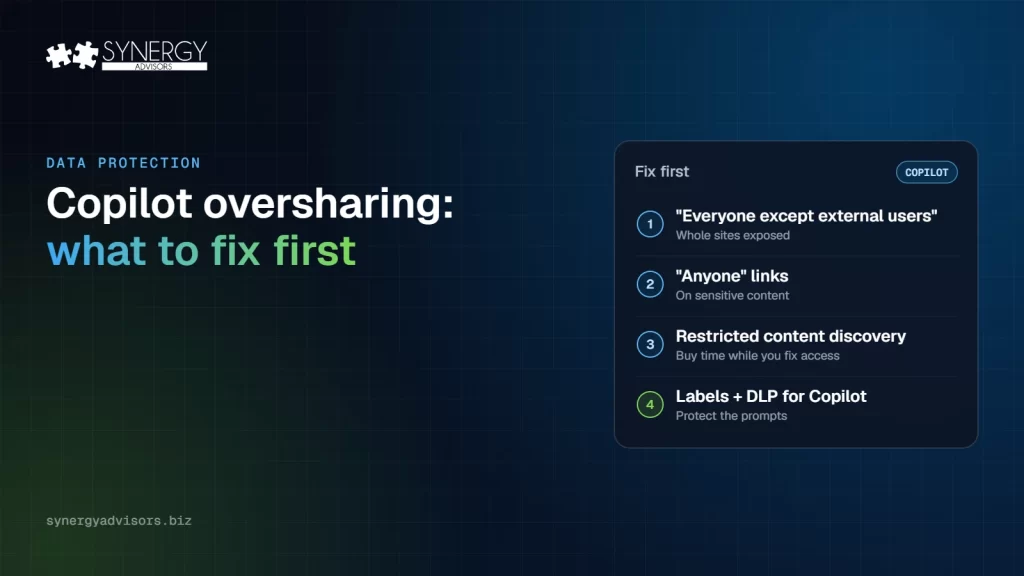
Not every overshared file is equally urgent. In most tenants we review, a handful of sites hold most of the risk. This is how our experts prioritize what to look at first:
| Priority | What to fix | Why to prioritize | Where to find it |
|---|---|---|---|
| 1 | Sites shared with “Everyone except external users” | One setting can expose a whole site to every employee and to Copilot | “Everyone except external users” insights in the data access governance reports |
| 2 | “Anyone” links on sensitive content | Anyone with the link can open it, inside or outside the organization | Sharing links activity reports |
| 3 | Sensitive sites while you fix them | Buys time without breaking access | Restricted content discovery hides a site from Copilot and search; restricted access control limits it to a group |
| 4 | Sites with no owner or no activity | Nobody reviews who has access | Site ownership policy and inactive sites |
| 5 | Sensitive files without labels | Without a label, DLP and encryption cannot act | Sensitivity label snapshot report and auto-labeling |
| 6 | Sensitive data in prompts | Stops the leak at the moment of use | DLP policy for the Microsoft 365 Copilot and Copilot Chat location |
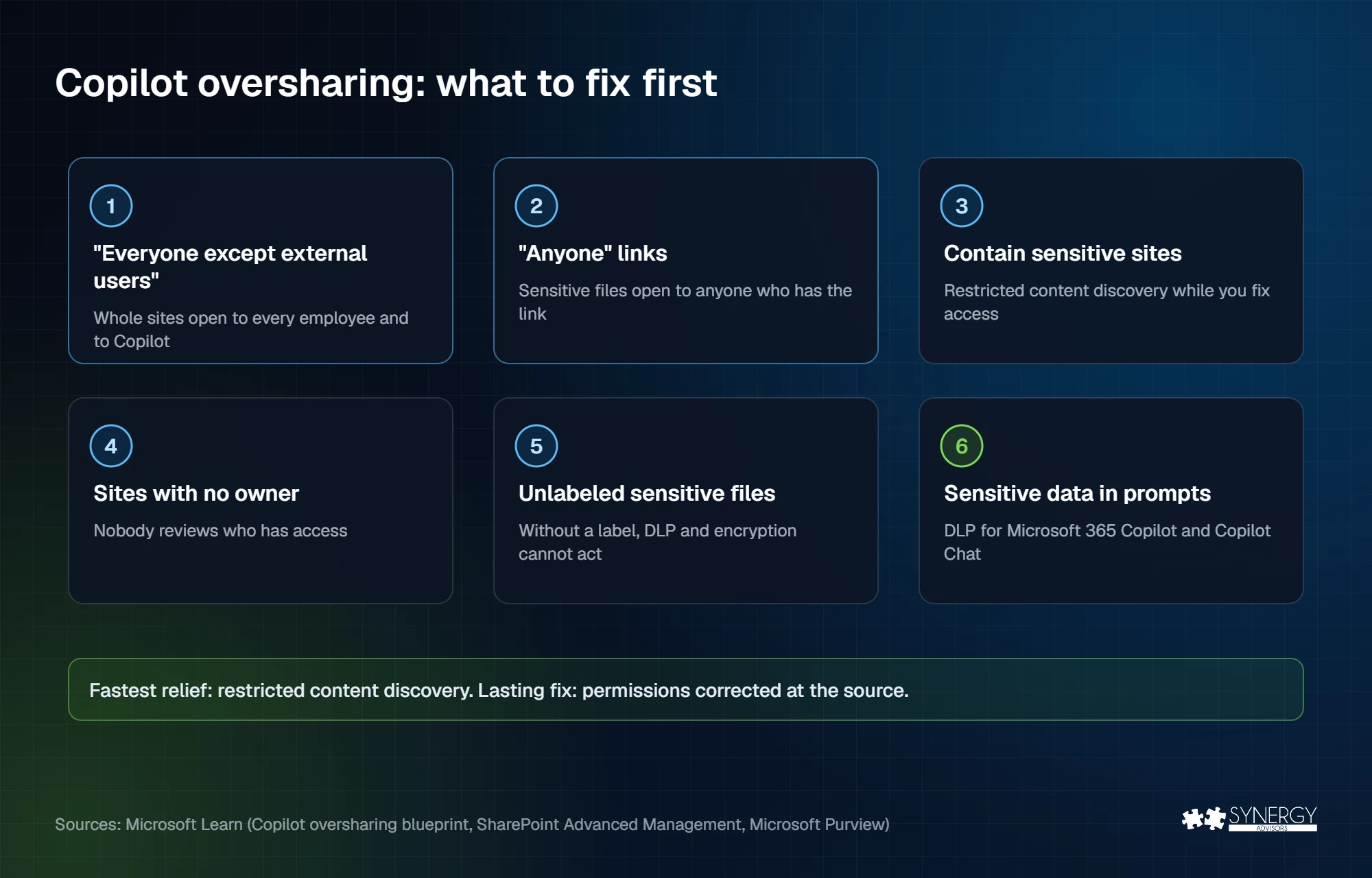
Restricted content discovery is the fastest relief: it removes a site from Copilot and organization-wide search without changing anyone’s permissions. Treat it as a temporary measure while you fix access, not as the fix itself.
A 30-day plan
| Week | Focus | Key actions | Done when |
|---|---|---|---|
| 1 | Measure | Run the data access governance reports and the DSPM for AI data risk assessment; list the top 20 sites by exposure and sensitivity | You know where the risk is |
| 2 | Contain | Apply restricted content discovery to the most sensitive sites; turn on DLP for Copilot in simulation mode | The worst sites are out of Copilot’s reach |
| 3 | Fix | Remove “Everyone except external users” and expired “Anyone” links; assign owners; label sensitive content | The top 20 sites are fixed at the source |
| 4 | Guard | Move DLP for Copilot to enforcement; schedule site access reviews and a weekly assessment check | Oversharing is a routine, not a project |
The same rules apply to AI agents. An agent built on SharePoint content can reach whatever that content exposes, which is why Microsoft Agent 365 and agent access monitoring belong in the same plan.
How our experts help
- E-Visor for M365 Data Sensitivity & AI Discovery reveals sensitive data exposure in SharePoint Online and OneDrive, including user access, sharing types, and Copilot exposure. It runs in your environment and a tenant preview is ready in less than one day.
- E-Inspector extends the same visibility to file servers, NAS, Azure Storage, and AWS S3, showing how internal users, external users, and AI systems access your data. It can also automate remediation actions, limiting oversharing risks in real time.
- E-mmersion for 365 Copilot Management is an instructor-led lab where your team detects oversharing, protects sensitive documents, and applies compliance controls, in a Synergy-hosted environment with no changes to your tenant.
- The Agents & Data webinar on December 10 covers what information your AI agents can reach and how to limit it. Our earlier guide, Preventing data exposure: where to start, covers the basics.
Frequently asked questions
Does Copilot ignore permissions?
No. Copilot only returns content the user already has permission to view. Oversharing is a permissions problem that Copilot makes visible.
When will the admin center experience be available?
Microsoft’s roadmap item RM559617 lists general availability for September 2026. When we checked on November 2, it was still marked “In development”. You can start today with Purview DSPM for AI and SharePoint Advanced Management.
Do we need extra licenses for SharePoint Advanced Management?
SharePoint Advanced Management is already included with the Microsoft 365 Copilot license.
Should we pause Copilot until everything is fixed?
Usually not. Contain the most sensitive sites first with restricted content discovery, then fix access at the source while Copilot rolls out.
Next step
Synergy Advisors data protection experts can show you, in about a day, where Copilot could surface sensitive data in your tenant. Request an E-Visor demo or register for the Agents & Data webinar on December 10.
Sources
- RM559617: Microsoft Purview in the Microsoft 365 admin center Microsoft 365 roadmap
- Microsoft Purview data security and compliance protections for Microsoft 365 Copilot Microsoft Learn
- Microsoft 365 Copilot blueprint for oversharing Microsoft Learn
- SharePoint Advanced Management Microsoft Learn
- Threat briefing, October 30, 2026 (O’Reilly survey) Black Arrow Cyber