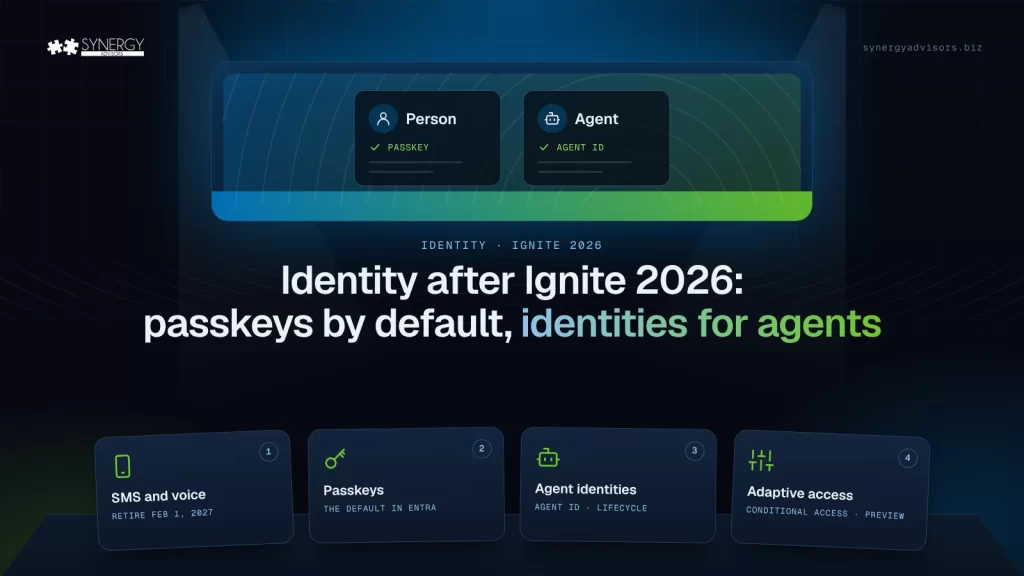

For identity, Ignite 2026 had one message: every identity, human or agent, needs a phishing-resistant credential and its own governed access. Passkeys are now the default for new accounts in Microsoft Entra. On February 1, 2027, Microsoft-provided SMS and voice authentication retires for most users, and those who rely only on them will have to register a passkey to keep signing in. At the same time, AI agents are getting their own Microsoft Entra Agent IDs, lifecycle policies, and Conditional Access controls. Here is what changed and what must be ready, in order.
“Every agent needs an identity, the right access, and controls that adapt as risk changes,” wrote Yina Arenas, Corporate Vice President and Chief Product Officer for Microsoft Identity and Network Access. She also quoted a practitioner who sums up why both stories belong together: “If you’re not doing it for humans today, you’re going to struggle with agents.” This article is the third in our week after Ignite, after the SOC and data summary and the move of Sentinel to Defender.
People first: passkeys by default, SMS on the way out
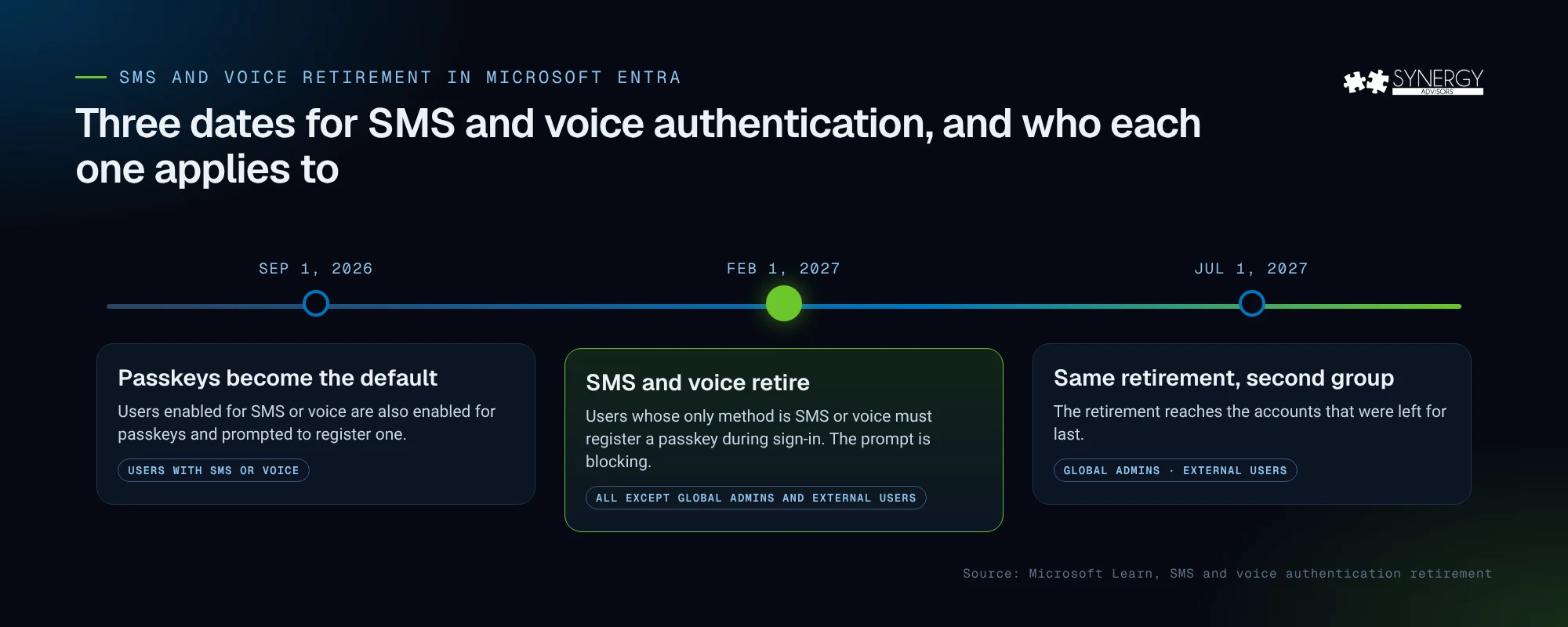
Microsoft says passkeys are “now the default for new accounts in Microsoft Entra,” while, according to the FIDO Alliance figure it cites, 57% of organizations still rely on phishable authentication methods. Codes sent by SMS can be relayed by adversary-in-the-middle phishing, and those attacks also target onboarding and account recovery. The deadlines come from Microsoft Learn:
| Date | What happens | Who it applies to |
|---|---|---|
| September 1, 2026 | Passkeys become the default; users enabled for SMS or voice are enabled for passkeys and prompted to register one | Users enabled for SMS or voice |
| February 1, 2027 | Microsoft-provided SMS and voice authentication retires. Users whose only method is SMS or voice must register a passkey during sign-in; the prompt is blocking and there is no opt-out | All users except Global Administrators and external users (internal guests are included) |
| July 1, 2027 | The same retirement applies | Global Administrators and external users |
Microsoft recommends passkeys for everyone as the default experience. If you have a documented regulatory or operational need for SMS or voice, a telephony provider from Microsoft Security Store can keep that channel; I compared the options in my article on choosing your own telephony provider.
Several capabilities that make the move easier are already generally available, according to Microsoft’s November update: users can register a passkey as their first MFA method, and Windows Hello for Business and macOS Platform SSO count as standalone MFA factors. Passkey backup and restore in Microsoft Authenticator for Android starts rolling out in January 2027.
New at Ignite, in preview: high assurance credentials combine passkeys with identity verification at the moments attackers target, such as onboarding, access to sensitive resources, and account recovery. Privileged Identity Management now extends just-in-time access to more resources and to AI agents. Conditional Access policy plans enable you to define access intent once, with templates that include AI agents. From January 2027, a “Modernize authentication” initiative in Microsoft Perception, in preview, will guide the rollout of phishing-resistant passkeys for administrators.
Agents next: an identity for every agent
Agents are already inside most tenants, often without anyone owning them. Arenas wrote that “agents inherit unnecessary privileges, persistent access, and weak governance.” Ignite brought these answers:
| Capability | What it does | Status |
|---|---|---|
| Agent ID for discovered local agents | With Microsoft Defender and Global Secure Access, discovers 60 local agent types, including Claude Code, OpenAI Codex, and GitHub Copilot CLI, and gives each one an Agent ID | Preview |
| Agent ID for digital teammates and Autopilot agents | Each agent gets its own agent user account and ID, so Conditional Access, ID Protection, and access governance apply to the agent, not to the person it works for | Preview |
| Lifecycle management of agent identities | Checks whether each agent has a sponsor, is still needed, and was active recently; a built-in policy disables agent identities inactive for 60 days | Announced as generally available at Ignite |
| Dynamic permissions remediation | Finds agent identities with excessive privileges and recommends how to remove them | Preview |
| Access packages for digital teammates | Assigns access to agents with approval and time limits | Preview |
My colleague covered how Agent 365 brings agents from other platforms into the same inventory in his article on Agent 365 after Ignite.
Access that adapts to risk
In Microsoft telemetry on Azure AI workloads, “tool and agent abuse accounted for 12% of observed attack activity,” according to Microsoft. Three controls respond to that:
- Conditional Access policies for assistive agents (preview). Conditional Access “can now distinguish between people and local agents acting on their behalf,” so you can block a high-risk agent while the employee keeps working and restrict sensitive actions during risky sessions.
- Dynamic Agent Risk (Agent 365 preview). It combines identity, data, endpoint, cloud, network, and runtime signals into a risk score for each agent, and access adjusts to it.
- Network controls for agents. An MCP firewall and agent type-aware network controls in Global Secure Access are in preview, and DLP at the network layer with Microsoft Purview and Global Secure Access, including for unsanctioned AI apps, is generally available. Intune, in preview, can mark devices that run unapproved agents as noncompliant.
Your checklist before February 1, 2027
- Find who still uses SMS or voice. Microsoft Learn includes a PowerShell script; it needs the Global Reader, Authentication Policy Administrator, or Security Reader role.
- Turn on a passkey registration campaign for that group now, instead of waiting for the blocking prompt.
- Choose the passkey model for each profile: synced passkeys for users who already use a platform credential manager, and device-bound passkeys (Microsoft Authenticator, Windows or FIDO2 security keys) where policy requires them. Our 90-day passkey rollout plan covers the details.
- Prepare onboarding and recovery with a Temporary Access Pass, so a lost phone does not become a help desk queue.
- Keep SMS only where you can document the need and set up the telephony provider before the date.
- Do administrators first. Their deadline is July 1, 2027, but they are the accounts attackers want most.
- Start on agents. Inventory local agents, give each one a sponsor, and turn on the lifecycle policy for inactive agent identities.
How our experts help
- Secure Access E-ntelligence shows the methods each user has registered and the ones they actually use, so you know who will be blocked on February 1.
- The Secure Access Admin Agent tells administrators, in plain language, who still depends on SMS or voice and where to start, and the Secure Access User Agent guides each employee to register a passkey inside Microsoft Teams.
- Agent 365 E-xperiences help you build the inventory of agents in your tenant, with an owner and least-privilege access for each one.
Frequently asked questions
When does SMS authentication retire in Microsoft Entra?
Microsoft-provided SMS and voice authentication retires on February 1, 2027, for all users except Global Administrators and external users, whose date is July 1, 2027. Internal guest users follow the February 1 date.
What happens to users who still rely only on SMS?
After their retirement date, they must register a passkey during sign-in to keep accessing their account. The prompt is blocking, and there is no opt-out.
Can we keep using SMS?
Only through a telephony provider from Microsoft Security Store. Microsoft recommends it only where there is a documented regulatory or operational need, and passkeys for everyone else.
Do AI agents need their own identities?
Microsoft’s answer at Ignite is yes. With its own Agent ID, an agent’s access can be governed, reviewed, and blocked separately from the person it works for.
Is Microsoft Entra Agent ID for local agents generally available?
Not yet. Agent ID for discovered local agents and for digital teammates was announced in preview at Ignite 2026.
Next step
Synergy Advisors identity experts can show you, with data from your tenant, who will be affected on February 1 and how to bring agents under the same controls. Watch the Identity Protection Accelerator recording, join the Agent Identity webinar on Thursday, December 3, at 2:00 p.m. ET, or talk to our experts.
Sources
- AI is changing access. See how Microsoft Entra helps you stay ahead (Yina Arenas) Microsoft Entra Blog, November 17, 2026
- Passkeys by default and retirement of Microsoft-provided SMS and voice authentication Microsoft Learn
- What’s new in Microsoft Entra: November 2026 Microsoft Entra Blog, November 6, 2026