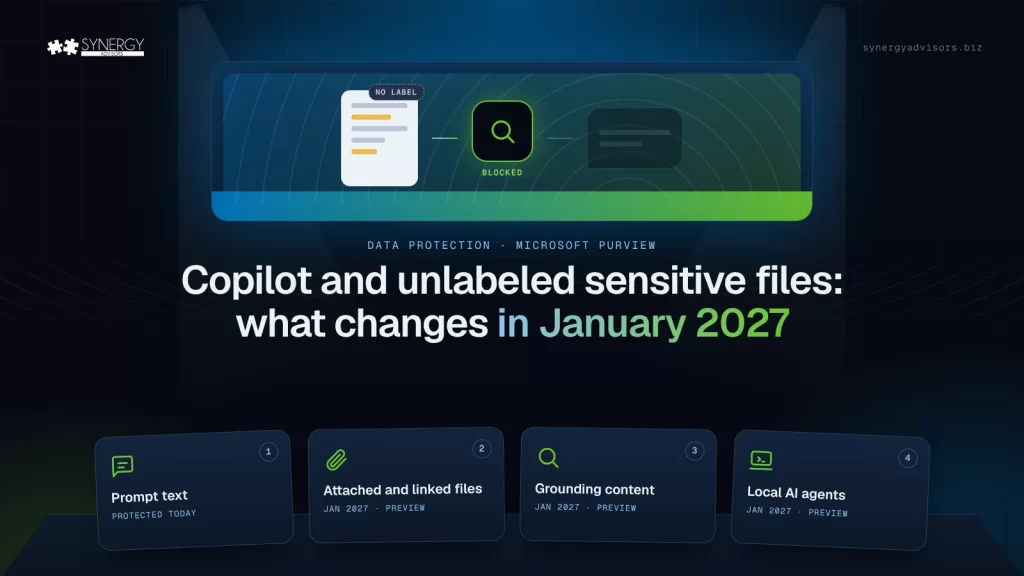

Today, Microsoft Purview can stop Microsoft 365 Copilot from processing files and emails only when they carry a sensitivity label, plus prompts that contain sensitive information. At Ignite 2026, Microsoft announced that, from January 2027 in public preview, data loss prevention (DLP) will also block Copilot from using files that contain sensitive data even when nobody labeled them, and will check files attached or linked to prompts. The same protection extends to local AI agents on Windows. Here is what changes, what you can already do, and five steps to prepare.
For many organizations, labeling every file was the condition to roll out Copilot, and it never finished. Microsoft now describes the new protection as one “which lets customers adopt Copilot without labeling every file first,” in the words of Aleš Holeček, President and Chief Architect of Microsoft Security. The scale explains why: according to Microsoft’s Purview team, more than 2 billion files are uploaded to SharePoint every day, SharePoint is the top grounding source for Microsoft 365 Copilot, and agents in Microsoft 365 grew 15 times year over year.
Three ways sensitive data reaches Copilot
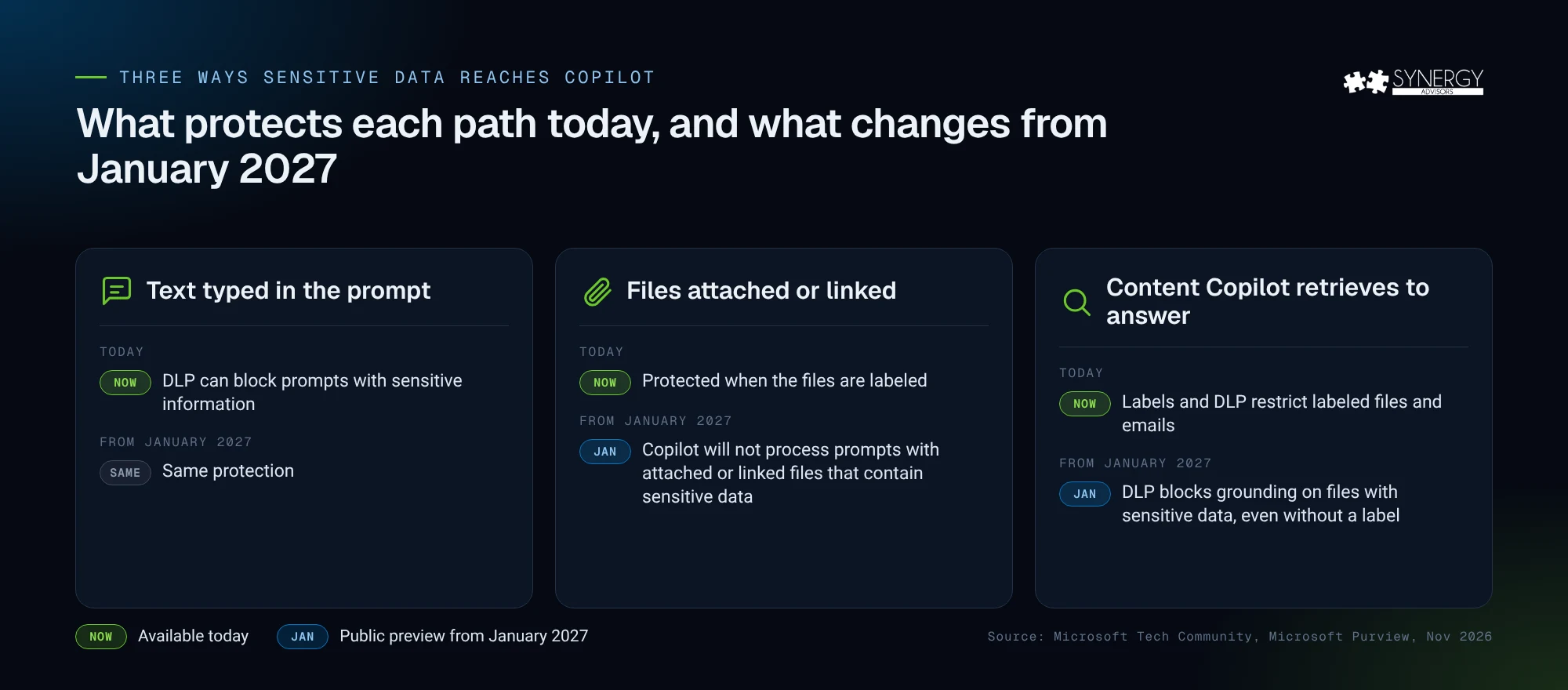
Let’s talk through this under the framing of three paths: text typed into prompts, files attached or linked in prompts, and content retrieved as grounding data. This is what protects each one today and what changes:
| Path | Today | From January 2027 (public preview) |
|---|---|---|
| Text typed in the prompt | DLP can block prompts that contain sensitive information | Same protection |
| Files attached or linked in the prompt | Protected when the files are labeled | Copilot will not process prompts with attached or linked files that contain sensitive data |
| Content Copilot retrieves to answer (grounding) | Labels and DLP can restrict labeled files and emails | DLP blocks Copilot from grounding on files with sensitive data, even without a label |
How it works: detection, not labels
The new protection relies on sensitive information types, the patterns Purview uses to detect data such as credit card numbers, national ID numbers, or bank details. As an example: an employee asks Copilot to analyze a linked financial planning document that was never labeled. Purview still detects a sensitive information type, an ABA routing number, and DLP prevents Copilot from using that file to answer.
That makes detection accuracy the key. Microsoft announced three changes to support it:
- Enhanced built-in sensitive information types, available starting January 2027, for more precise detection with less tuning. They start with the 100+ most used types, such as credit card and U.S. Social Security numbers, and extend to all built-in types over time.
- Recurring classification refresh (public preview in January 2027). After a baseline scan, Purview re-classifies old content when detection improves or you add custom types, so a years-old contract that no one has opened can still be protected.
- Unified classification management (public preview). Sensitive information types, exact data match, trainable classifiers, and document fingerprinting in one place.
Labels still matter, and labeling at scale is available now
Labels do more than control Copilot: they carry protection, such as encryption, wherever a file goes. The good news is that the limits to apply them automatically just went up, and this part is generally available today:
| Auto-labeling | Before | Now |
|---|---|---|
| SharePoint and OneDrive files labeled per tenant per day | 100,000 | 500,000 |
| Matched items you can preview in simulation mode | 4 million | 20 million |
| Sites a policy can target | Chosen one by one | Every site that matches a rule, such as “Finance” in the URL, with no cap (adaptive scopes) |
Microsoft also announced, in public preview, default library labels for data at rest: a SharePoint library’s default label can now apply to existing files, without anyone opening or editing them.
Local AI agents: the same rules
From January 2027, also in public preview, Purview DLP will cover agents that run locally on Windows, including Claude Code, Claude Desktop, the GitHub Copilot app, and the Claude Code and GitHub Copilot extensions for Visual Studio Code. It can block prompts and tool calls that contain sensitive information, and policies can be scoped to specific agents. As an example, say a developer’s coding agent tries to send source code, API keys, or connection strings to an external service. Purview signals also feed the Unified Agent Risk score in Agent 365, in public preview. Our Ignite security summary covers the endpoint side, with Defender runtime protection.
Five steps to prepare before January
- Find your exposure. Identify where sensitive data sits and who can reach it. My colleague’s article on Copilot oversharing explains what to fix first.
- Choose your sensitive information types. Decide which ones matter for your business (financial, personal identifiers, and your own custom types) and test how accurately they detect your real data now.
- Label at scale. Run an auto-labeling simulation on your priority sites with adaptive scopes, then turn the policy on.
- Draft the Copilot DLP policy. Start in simulation mode, measure what it would block, and prepare the message users will see.
- Find your local agents. List which teams use coding agents, such as Claude Code or GitHub Copilot, and choose a pilot group for agent DLP.
How our experts help
- E-Visor for M365 Data Sensitivity & AI Discovery reveals sensitive data exposure in SharePoint Online and OneDrive, including user access, sharing types and Copilot exposure. It runs in your environment, and a tenant preview is ready in less than one day.
- E-Inspector extends the same visibility to file servers, NAS, Azure Storage, and AWS S3, showing how internal users, external users, and AI systems access your data, and can automate remediation actions.
- E-mmersion for 365 Copilot Management is an instructor-led lab where your team detects oversharing, protects sensitive documents, and applies compliance controls, in a Synergy-hosted environment.
Frequently asked questions
Can Purview stop Copilot from using unlabeled files today?
Not yet. Today, Purview restricts Copilot based on labels, plus prompts that contain sensitive information. Protection for unlabeled files enters public preview in January 2027.
Do we still need sensitivity labels?
Yes. The new protection reduces the need to label everything before rolling out Copilot, but labels still carry protection, such as encryption, outside Copilot. Auto-labeling at scale is generally available now.
How does Purview know a file is sensitive without a label?
With sensitive information types, patterns that detect data such as card numbers or bank routing numbers. Their accuracy is what decides how well the protection works.
Which license does it need?
Microsoft has not published licensing for the new Copilot grounding protection. At the time of this writing, we still do not know if the baseline scan and two recurring classification refreshes will be included in Microsoft 365 E5. Check with your licensing advisor before planning.
Does it also cover AI agents?
Yes. DLP for local agents on Windows, including Claude Code and GitHub Copilot, enters public preview in January 2027, with policies that can be scoped to specific agents.
Next step
Synergy Advisors data protection experts can show you, in about a day, where Copilot could surface sensitive data in your tenant, so you are ready when the January previews start. Request an E-Visor demo or join the Agents & Data webinar on Thursday, December 10, at 2:00 p.m. ET.
Sources
- Security for the agentic era, powered by Microsoft Perception (Aleš Holeček) Microsoft Security Blog, November 17, 2026
- Secure the data that fuels AI with Microsoft Purview Microsoft Security Community Blog, November 17, 2026